1
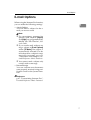
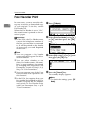
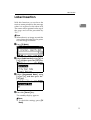
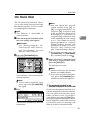
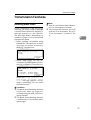
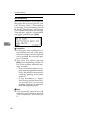
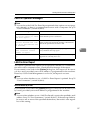
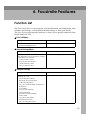
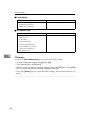
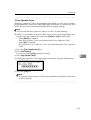
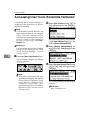
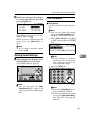
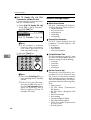
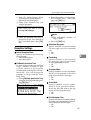
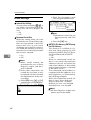
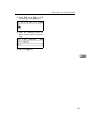
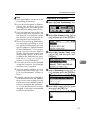
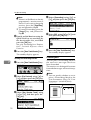
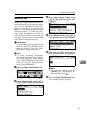
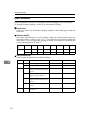
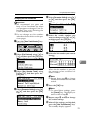
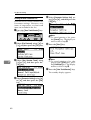
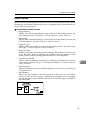
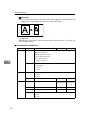
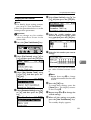
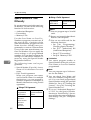
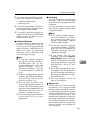
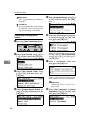
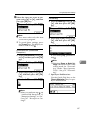
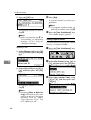
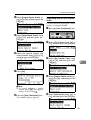
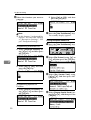
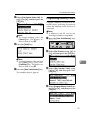
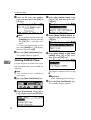
E-mail Options E-mail Options When using the Internet Fax function, you can make the following settings: • Attach Subject You can enter a subject for the email you want to send. 1 Note For convenience, program frequently used subjects. [Urgent] and [High] are programmed by default. See "File Transfer", Network Guide. If you send e-mail without setting a subject in [E-mail Options] under [TX Mode], the subject is automatically inserted. For details about how a subject is automatically inserted, see p.51 “About the E-mail Subject”, Facsimile Reference <Basic Features>. You cannot send a subject-only e-mail, with no message. • Return Receipt You can confirm sent documents were properly received using notification e-mail or the Journal function. Reference p.47 “Transmitting Internet Fax”, Facsimile Reference <Basic Features> 7