1
CIB 3002
(Z200A) 2–LINE/5–VOICE TERMINAL MODULE FOR MODEL 820 (61219)
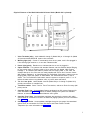
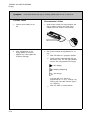
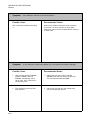
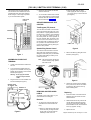
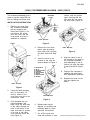
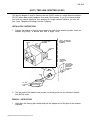
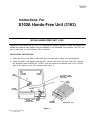
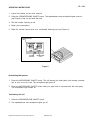
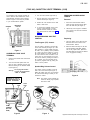
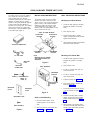
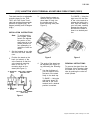
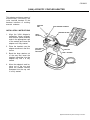
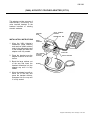
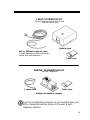
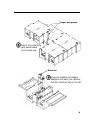
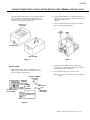
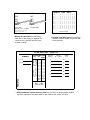
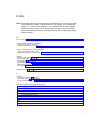
This module (Figure 1) is used to expand
the capacity of your Model 820 control
unit. Addition of this module wiII enable you
to have two more outside lines and five
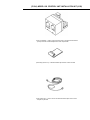
voice terminals. Each module comes
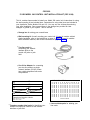
packed with two line cords (7-foot) and a
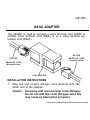
267C (two-line) adapter.
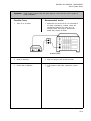
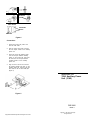
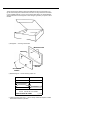
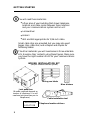
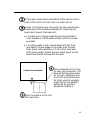
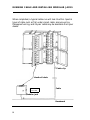
CONTROL UNIT
POWER
SWITCH
AUXILIARY
POWER CORD
FACEPLATE
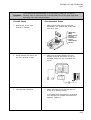
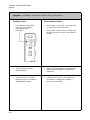
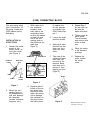
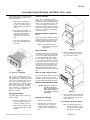
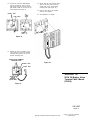
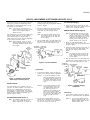
Figure 3
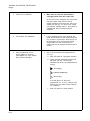
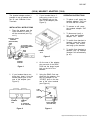
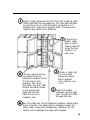
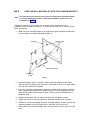
2. Locate the leftmost available expansion
module slot.
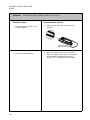
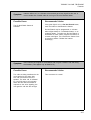
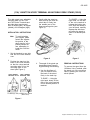
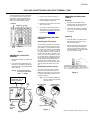
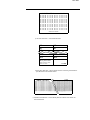
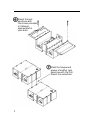
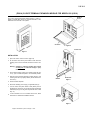
3. Grasp the handle on the faceplate of
the expansion module slot and pull it
open (see Figure 4). Do not remove
the faceplate.
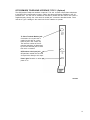
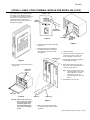
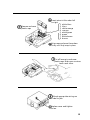
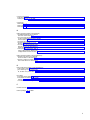
2–LINE/
5–TERMINAL
EXPANSION
MODULE
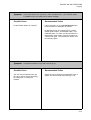
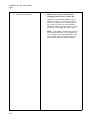
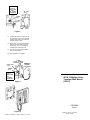
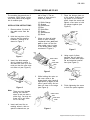
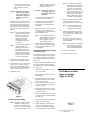
Figure 5
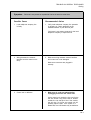
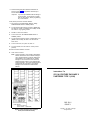
5. Close the faceplate.
6. Install the line cords (7-foot) and terminal cords (2-1/2 foot). Arrange the
cords underneath the control unit.
LOCKING TAB
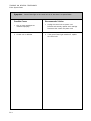
7. Repeat Steps 2 through 6 if installing a
second expansion module.
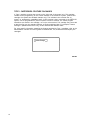
Figure 1
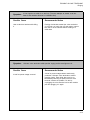
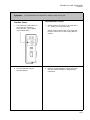
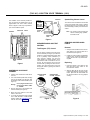
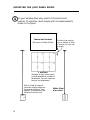
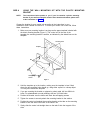
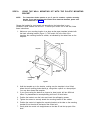
1. Open and remove the control unit door
(see Figure 2).
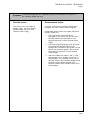
8. Reconnect the auxiliary power cord
back to the control unit and switch the
control unit power back on.
EXPANSION
MODULE
SLOTS
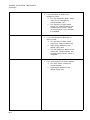
Note: When you apply ac power, the
red warning light on the control
unit should come on momentarily and then go off. The
green light should come on and
stay on.
9. Reinstall the control unit door.
Z6C DOOR
Figure 2
Warning: Switch off the control unit
power. If you have an auxiliary power supply, unplug
the auxiliary power cord
from the control unit (Figure 3) before inserting this
module.
HANDLE
FACEPLATE
Figure 4
4. Slide the module slowly and steadily
into the slot (Figure 5) until it is properly seated.
Equipment manufactured by AT&T Technologies in the U.S.A.