1
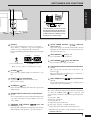
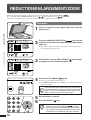
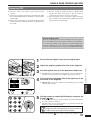
B/W REVERSE
Original
Copy
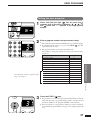
The B/W REVERSE feature is used to reverse black and white areas.
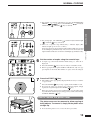
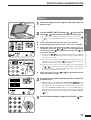
1
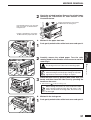
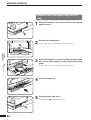
Place the original on the original table and close the
platen cover.
2
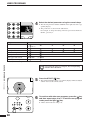
Press the B/W REVERSE (
3
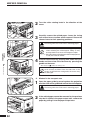
Check the copy paper size.
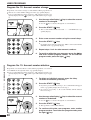
4
Make all other desired copier selections and press the
START ( ) key.
B/W reverse
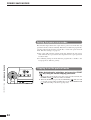
When the B/W REVERSE feature is selected, the exposure mode will be
automatically set to the MANUAL mode. Other exposure modes cannot
be selected.
Even if this feature is cancelled, the MANUAL mode will not
automatically be cancelled.
MAKING COPIES
●
●
) key.
AR-5120 only Use the ORIGINAL SIZE ENTER (
) key to
select the original size. Copy paper of the same size as the original will
be automatically selected.
23