1
Installation Guide
ECL Comfort 210 / 310, application A214 / A314
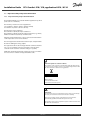
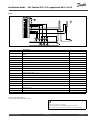
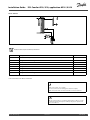
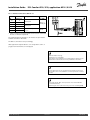
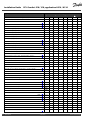
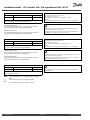
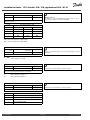
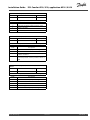
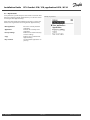
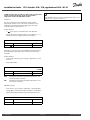
6.8.7 Raw input overview
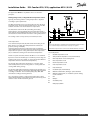
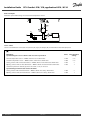
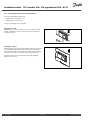
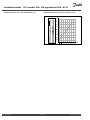
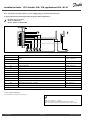
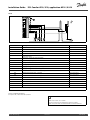
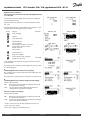
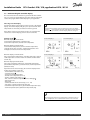
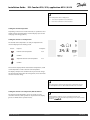
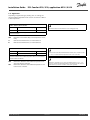
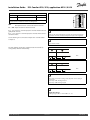
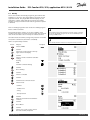
Measured temperatures, input status and voltages are displayed.
In addition, a detection of malfunctions can be chosen for activated
temperature inputs.
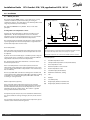
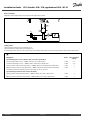
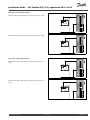
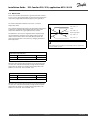
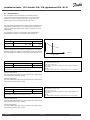
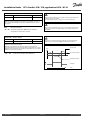
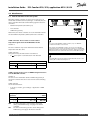
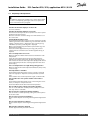
Monitoring the sensors:
Choose the sensor which measures a temperature, for example the
S5. When the dial is pressed, a magnifying glass appears in the
selected line. The S5 temperature is now being monitored.
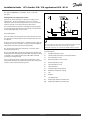
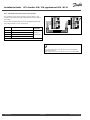
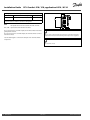
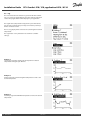
Alarm indication:
Should the connection to the temperature sensor be disconnected,
short-circuited or the sensor itself be defective, the alarm function
is activated.
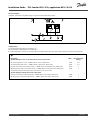
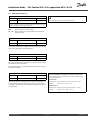
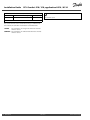
In the "Raw input overview" an alarm symbol
defective temperature sensor in question.
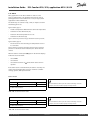
The temperature sensor inputs have a measuring range from -60 ...
150 ° C.
If a temperature sensor or its connection breaks, the value indication
is " - - ".
If a temperature sensor or its connection is short-circuited, the value
indication is " - - - ".
is shown at the
Resetting the alarm:
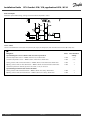
Choose the sensor (S number) for which you want to clear the
alarm. Press the dial. The magnifying glass and alarm symbols
disappear.
When the dial is pressed again, the monitoring function is
reactivated.
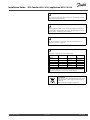
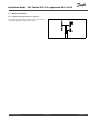
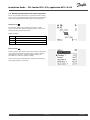
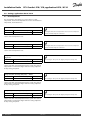
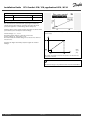
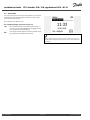
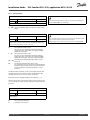
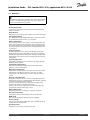
6.8.8 Display
60058
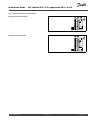
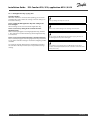
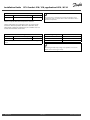
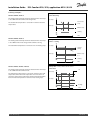
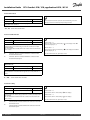
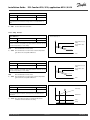
Backlight (display brightness)
Circuit
Setting range
Factory setting
0 ... 10
5
Adjust the brightness of the display.
0:
Weak backlight.
10:
Strong backlight.
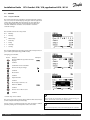
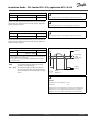
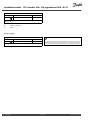
60059
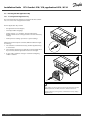
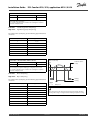
Contrast (display contrast)
Circuit
Setting range
Factory setting
0 ... 10
3
Adjust the contrast of the display.
132
0:
Low contrast.
10:
High contrast.
DEN-SMT/DK
VI.GU.A1.02
Danfoss District Energy