1
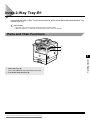
Card Reader
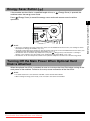
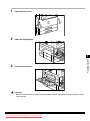
When the Card Reader is attached, insert a control card before operating the machine.
NOTE
• If the standby display does not appear even when the control card is inserted, make sure that:
- The control card is inserted in the correct direction.
- The control card is inserted as far as it can go.
- An unusable control card is not inserted. (For example, cards which are damaged, already used to the set limit, or not
allowable.)
• Insert a usable control card correctly.
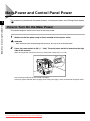
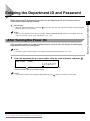
• For details of how to turn the power on, see ‘Main Power and Control Panel Power,’ on p. 1-23.
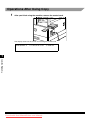
Operations Before Using Copy
1
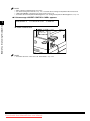
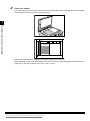
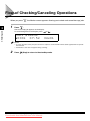
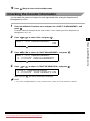
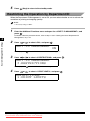
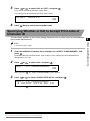
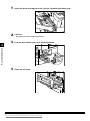
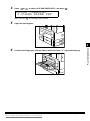
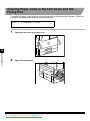
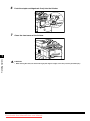
Insert the control card into the card slot, making sure it is facing in the correct
direction.
Handling Options
7
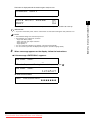
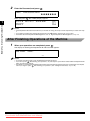
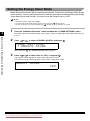
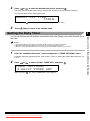
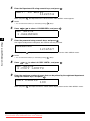
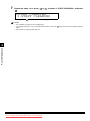
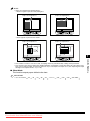
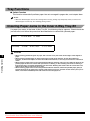
The standby display appears.
100% AUTO PAPER
TEXT
01
Card Reader
Downloaded from ManualsPrinter.com Manuals
7-27