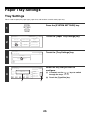
1
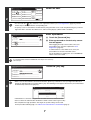
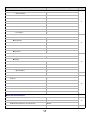
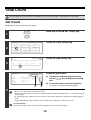
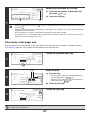
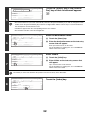
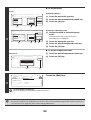
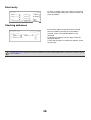
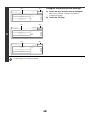
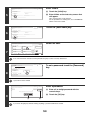
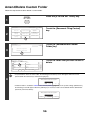
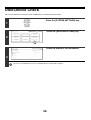
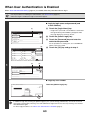
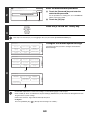
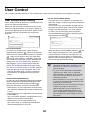
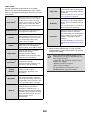
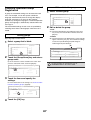
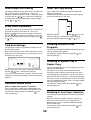
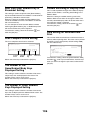
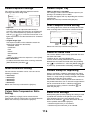
Direct entry
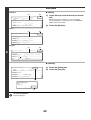
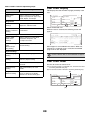
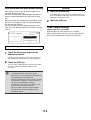
• To enter an address that is not stored in a one-touch
key, touch the [Direct Entry] key, select the mode, and
enter the address.
Direct Address / Group
OK
Select address.
AAA AAA
BBB BBB
Address Review
Internet Fax
CCC CCC
Frequent Use
Direct Entry
E-mail
Fax
ABCD
EFGHI
JKLMN
OPQRST
UVWXYZ
Sort Address
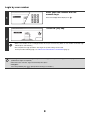
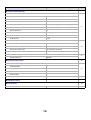
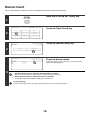
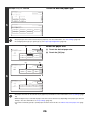
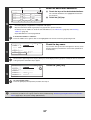
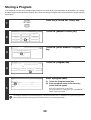
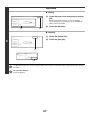
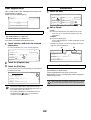
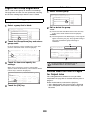
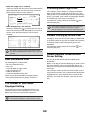
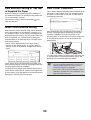
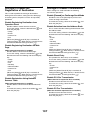
Checking addresses
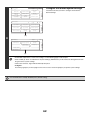
• To check the addresses that have been selected,
touch the [Address Review] key in the address
selection screen. The selected addresses are
displayed.
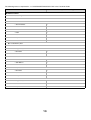
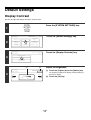
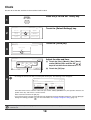
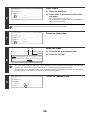
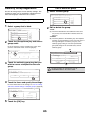
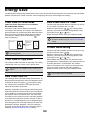
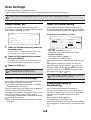
• To deselect an address from the group, touch the
displayed address.
A message will appear to confirm the deletion. Touch
the [Yes] key.
Direct Address / Group
OK
Select address to deselect.
OK
Group Name :BBB BBB
001 AAA AAA
002 BBB BBB
1/1
003 CCC CCC
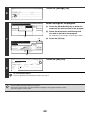
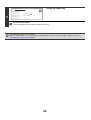
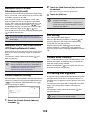
If "Disable Direct Entry" (page 107) has been enabled in the system settings (administrator), it will not be possible to directly
enter an address.
38