1
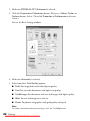
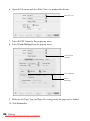
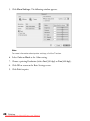
8. Click OK.
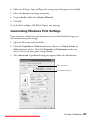
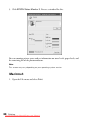
9. At the Print window, click OK or Print to start printing.
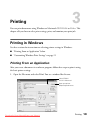
Printing in Macintosh
See these sections for instructions on selecting printer settings in Mac OS X:
■
“Printing From an Application” below
■
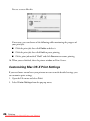
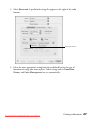
“Customizing Mac OS X Print Settings” on page 26
Printing From an Application
After you create a document in a software program, follow these steps to print it.
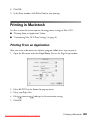
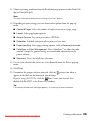
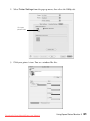
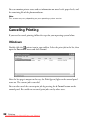
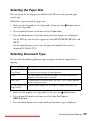
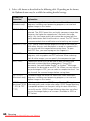
1. Open the File menu and select Page Setup. You see the Page Setup window:
2. Select AL-CX11 in the Format for pop-up menu.
3. Select your Paper Size.
4. Select
portrait or
landscape as the orientation setting.
5. Click OK.
Downloaded from ManualsPrinter.com Manuals
Printing in Macintosh
23