1
Key notations
BASIC ENTRY
PROCEDURES
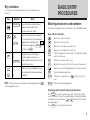
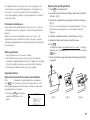
This manual uses the following notations for key operations and
functions:
Key
CALENDAR
Notation
CALENDAR
MARK
or
MARK
FUNCTION
D
D
or
FUNCTION
7
N
7
N
Note
Entering characters and numbers
Keys with only one function always
appear in the manual with the
function enclosed in a box.
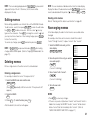
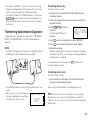
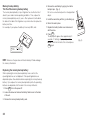
To practice entering characters and numbers, select the MEMO mode.
Keys with multiple functions appear in
the manual with only the contextually
appropriate function boxed; i.e., MARK
will sometimes appear as MARK and
sometimes as
.
Alphabetical keys with multiple
functions appear sometimes as
unboxed letters and sometimes as the
boxed function name.
Numerical keys and alphabetical keys
are noted only with unboxed numbers
and letters.
NOTE: The blue functions and symbols are operated by pressing
2nd
Keys and their functions
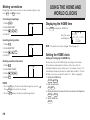
: Moves the cursor to the right.
: Moves the cursor to the left.
: Moves the cursor up to the previous line.
: Moves the cursor down to the next line.
INS
: Puts the Organizer into insert mode. Pressing this key again
exits the insert mode.
DEL
: Deletes the character at the cursor.
BS
: Deletes the character to the left of the cursor (“backspace”).
: Moves the cursor to the beginning of the next line (new line).
C•CE
: Clears the data being entered.
CAPS
: Functions as a capslock key. (
way.)
ENTER
: Stores the data being displayed.
functions in the same
and the appropriate keys.
Entering graphic symbols and special characters
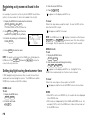
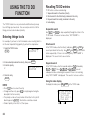
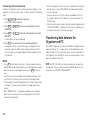
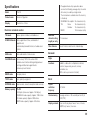
Press SMBL to select the symbol entry mode. A total of 90 symbols
can be selected. To select the symbol display containing the desired
or
, then press the number
symbol/special character, press
corresponding to it.
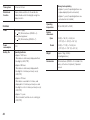
Press SMBL to exit the symbol entry mode.
5