1
FS70 Trawl Sonar System
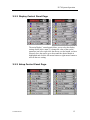
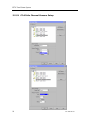
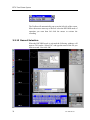
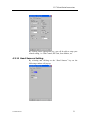
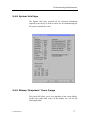
The main “Setup” control panel allows you to set up system
parameters for the active sonar. To change the value of the system
parameter just left or right click the mouse over the button you have
selected, move the mouse up or down until the desired button is
highlighted and click the left mouse button or right mouse button to
activate the new setting.
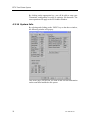
3.2.4 Users Settings Control Panel Page
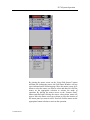
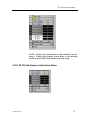
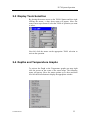
The main “Users” control panel allows you to set the settings for
the active sonar based on previously saved settings. To change the
setting, just left or right click the mouse over the button you have
selected, move the mouse up or down until the desired button is
highlighted and click the left mouse button or right mouse button to
activate the new setting.
NOTE: When you “Save Setting” you automatically save the
setting for both the vertical and the sounder at the same time.
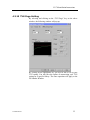
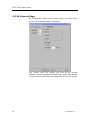
3.2.5 Sensors Control Panel Page
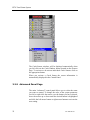
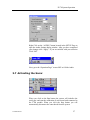
The main “SENSORS” control panel allows you to select the
sensors you want to setup. To change the value of the system
parameter just left or right click the mouse over the button you have
selected, move the mouse up or down until the desired button is
highlighted and click the left mouse button or right mouse button to
activate the new setting.
16
974-24007001/4.1