1
Chapter 3 - Software Loading and Configuration
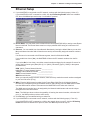
Detect and Map Your DLCIs
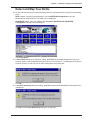
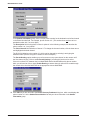
40 To detect DLCIs and map your data ports and protocols to the detected DLCIs, perform the following
steps:
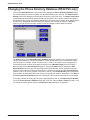
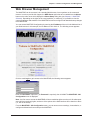
Win3.1 users - from the Program Manager, click the MultiFRAD Configuration icon in the
MultiFRAD 200 Program Group. The main menu is displayed.
Win95/98/NT users - from your desktop, click Programs | MultiFRAD 200 | MultiFRAD
Configuration. The main menu is displayed.
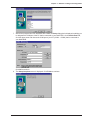
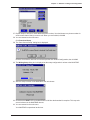
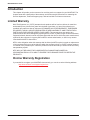
Click Frame Relay.
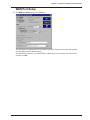
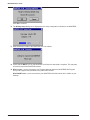
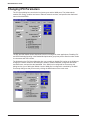
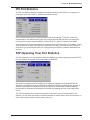
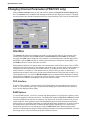
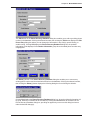
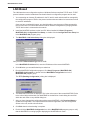
41 A Frame Relay dialog box is displayed, stating “MultiFRAD has detected Management Type to be
Annex D. Hence it has set Management type to Annex D from Annex A.” The Management Types are
Annex A, Annex D, or LMI. Any one of them could appear in this dialog box.
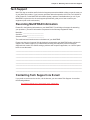
Click OK.
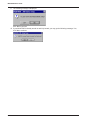
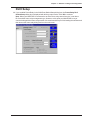
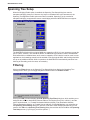
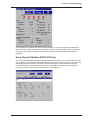
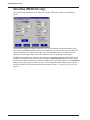
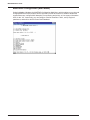
42 A second Frame Relay dialog box stating “MultiFRAD has detected and added the following DLCIs.”
is displayed.
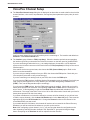
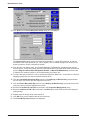
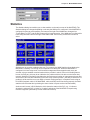
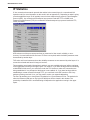
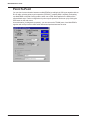
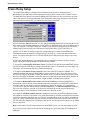
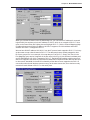
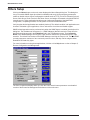
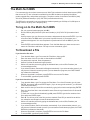
Click OK and the Frame Relay Setup dialog box is displayed.
33