1
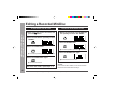
Editing a Recorded MiniDisc
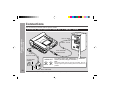
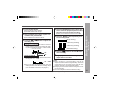
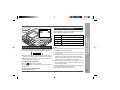
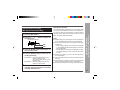
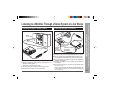
To erase tracks one at a time
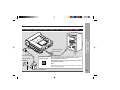
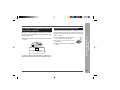
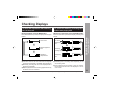
To erase all of the tracks at once
1 Start playing the track to be erased, and
1 Whilst in the stop mode, press the EDIT but-
– Editing a Recorded MiniDisc –
Advanced Features
press the 06 button.
ton repeatedly to select “ALL ERASE”.
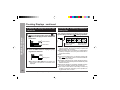
2 Press the EDIT button repeatedly to select
“ERASE”.
2 Press the ENTER button.
3 Press the ENTER button.
● To cancel the operation, press the • ■ / :OFF button.
● To cancel the operation, press the • ■ / :OFF button.
3 Press the ENTER button again.
4 Press the ENTER button again.
● All of the tracks will be erased.
● The track will be erased.
5 To erase other tracks, repeat steps 1 - 4.
48
Web-site: www.sharp.co.uk/support
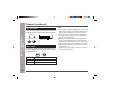
Caution:
Once a track has been erased, it can not be recovered.
Check the track number before erasing it.
Help Line: 08705 274277 (office hours)