1
User.Guide.Tarpon.book Page 39 Thursday, April 26, 2001 2:23 PM
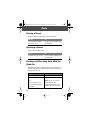
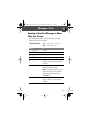
Entering Text
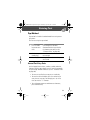
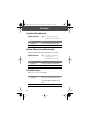
Tap Method
Tap method is the default standard mode for entering text on
your phone.
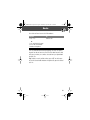
To enter text using the tap method:
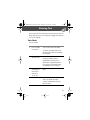
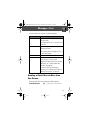
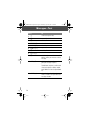
Do This
1 Press a number
key one or more
times
2 Continue to press
number keys
3 Press OK (+)
To
cycle through the characters
associated with the key and select
the character you want (see the
“Character Chart” on page 40).
enter the rest of the characters in the
text message
accept and store the text when you
are finished
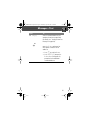
General Text Entry Rules
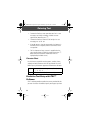
Use the keypad to enter letters, numbers, symbols, and other
characters with the tap method. Press the same key repeatedly
to cycle through available characters (see the “Character Chart”
on page 40):
• To enter text at a flashing cursor, press a number key.
• To enter the desired character, press the number key as
many times as necessary. For example, press 2 three
times to enter the “c” character.
• To cycle between uppercase and lowercase characters,
press and hold a key.
39