1
BC45XLT
11/2/00
9:04
Page 10
Programming
Before the BC45XLT can receive radio broadcasts, you must
program a frequency into at least one channel.
Before scanning, repeat this procedure for each channel you
program.
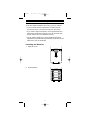
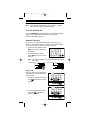
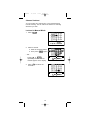
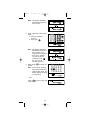
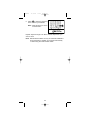
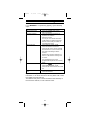
1. Select frequencies from your
starter guide.
2. Press
.
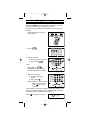
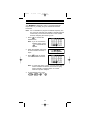
3. Select a channel.
a. Enter the channel number.
b. Then press
.
b
a
– OR –
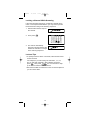
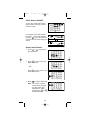
Press ▲,▼, or
repeatedly until the channel
number appears in the display.
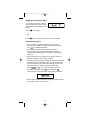
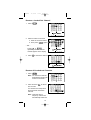
4. Enter the frequency.
a. Enter the frequency
number.
b. Then press
.
a
b
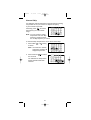
Note: To clear a mistake while
entering the frequency,
press
twice, and
start over.
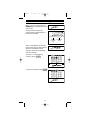
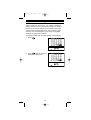
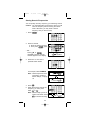
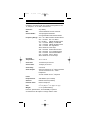
If the frequency entered is outside the Frequency Range of the
scanner, a distinctive beep sounds. (See the Table on page 3
or the Band List on the back of the scanner).
Press
and go back to Step 4.
10