1
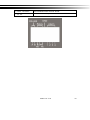
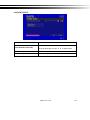
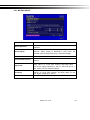
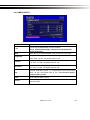
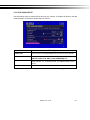
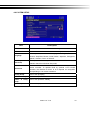
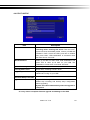
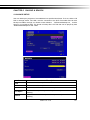
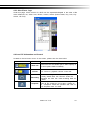
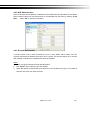
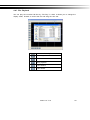
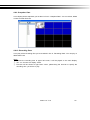
4-8.2.2 TIME ZONE SETUP
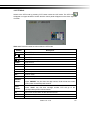
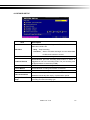
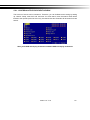
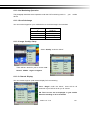
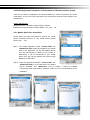
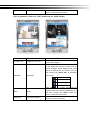
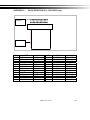
In time zone setup, users can change your time zone and activate Daylight Saving Time
function according to your DVR location.
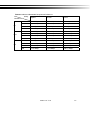
Item
Description
Select Time Zone
Enter to modify GMT from GMT- 13 to GMT+ 13
Daylight Saving Time
Turn on/ off Daylight Saving Time
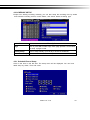
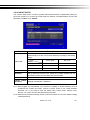
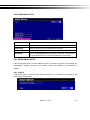
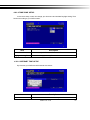
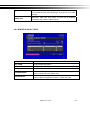
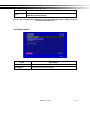
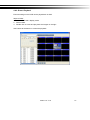
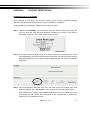
4-8.2.3 INTERNET TIME SETUP
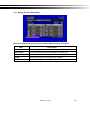
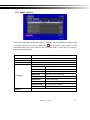
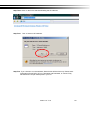
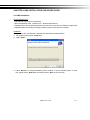
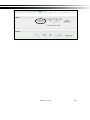
Synchronize your DVR time with internet time server.
Item
Automatic
Description
Check to enable DVR automatic synchronization function.
2009.1.10 V1.9
47