1
5.1.4.2 Installing the RAID Driver (For bootable RAID Array)
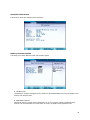
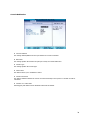
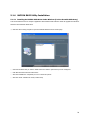
① After you complete the RAID BIOS setup, boot from the Windows CD, and the Windows Setup program starts.
② Press F6 and wait for the Windows Setup screen to appear.
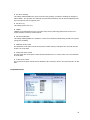
③ Specify the NVIDIA drivers:
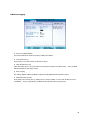
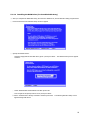
ⓐ Insert the floppy that has the RAID driver, press S, then press Enter. The Windows Setup screen appears
as below:
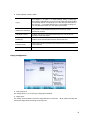
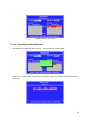
ⓑ Select "NVIDIA RAID CLASS DIRVER" and then press Enter
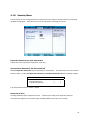
ⓒ Press S again at the Specify Devices screen, then press Enter.
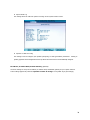
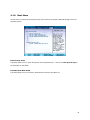
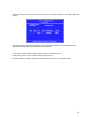
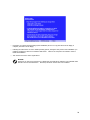
ⓓ Select " NVIDIA nForce Storage Controller" and then press Enter. The following Windows Setup screen
appears listing both drivers:
55