Operating Instructions Administrator Reference
125
Changing the Paper Input Menu
Tray Locking
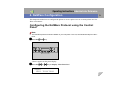
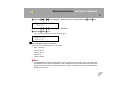
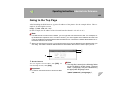
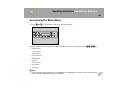
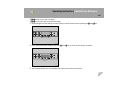
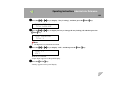
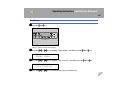
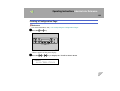
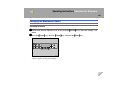
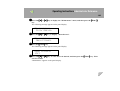
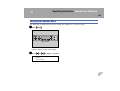
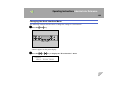
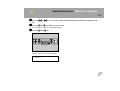
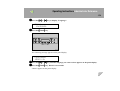
A Press the {Menu}} key.
ZHBS010E
"Menu" appears on the panel display.
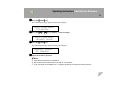
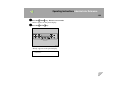
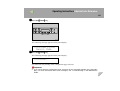
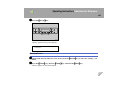
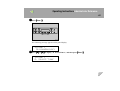
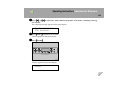
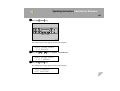
B Press the {U} or {T} key to display "Paper Input", and then press the {Enter #}} key.
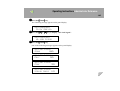
Menu:
Paper Input