1
Configuring Windows Machines
The number of discovered Windows, UNIX, or Linux machines might exceed the number of your
available licenses. If that happens, the number available goes negative and appears in red to indicate that
you do not have enough licenses.
For servers and workstations, exceeding the limit on your license key produces warnings but does not
restrict VCM operation. License key counts that are over the limit are recorded and maintained for
auditing purposes. Suite license keys support unlimited licenses, provided that the suite edition includes
VCM and the component that you are managing is part of the suite. If a component is not part of the suite,
it counts against the nonsuite server or workstation key.
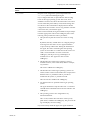
Prerequisites
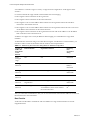
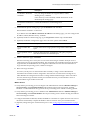
Verify that the Windows machines you license are listed with a machine type of workstation or server in
the Available Machines node. If the discovered or added type is not workstation or server, VCM cannot
license the machines.
Procedure
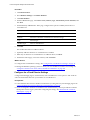
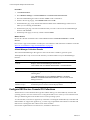
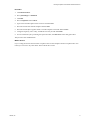
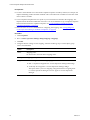
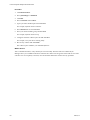
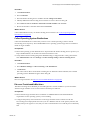
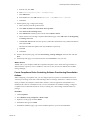
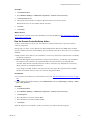
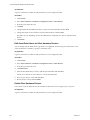
1. Click Administration.
2. Select Machines Manager > Available Machines.
3. Select the Windows machines to license.
4. Click License.
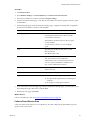
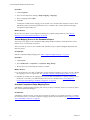
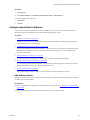
5. Verify that the Windows machines to license appear in the Selected list.
Use the arrows to move the Windows machines.
6. Click Next to view your Product License Details.
The licensed Windows machine count increases by the number of licensed machines.
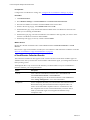
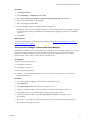
7. Click Next.
VCM confirms that the licenses you requested will be applied to the selected Windows machines.
8. Click Finish.
What to do next
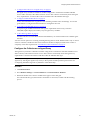
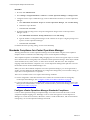
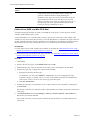
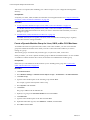
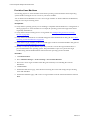
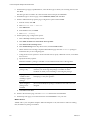
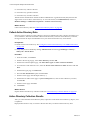
Install the Windows Agent. See "Install the VCM Windows Agent on Your Windows Machines" on page 91
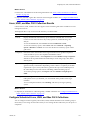
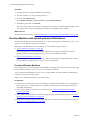
Install the VCM Windows Agent on Your Windows Machines
Install the VCM Windows Agent on each Windows machine so that you can collect data and manage the
virtual or physical machines.
Before you can collect data from Windows machines, you must install the VCM Windows Agent on the
licensed Windows machines in your environment to enable communication between the Collector and the
target machines.
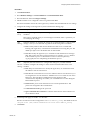
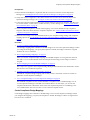
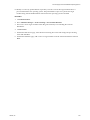
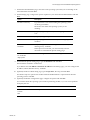
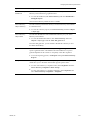
You can use VCM to install the Agent or you can install the Agent manually. This procedure uses VCM to
install the Agent. For information about manually installing the Agent see the online Help.
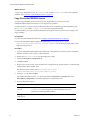
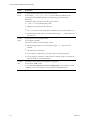
The Agent is installed on Collector when you install VCM, and locked. It cannot be unlocked, uninstalled,
or upgraded.
VMware, Inc.
91