1
Getting started
14
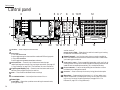
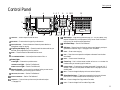
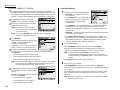
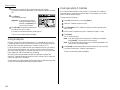
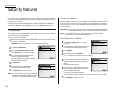
Soft keys — Shortcut keys. Any function that can be turned on or off can be
programmed into these four keys. If the light above one of these keys glows,
this indicates the setting that’s been programmed into it (see page 2.15) is
turned on. These keys are programmed at the factory to turn the following
functions on or off:
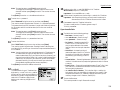
Soft key 1: STAMP — Press this key to set the machine to stamp each original
document or page automatically when the machine scans it successfully.
Soft key 2: REPORT — Press to turn the confirmation report feature on or off
for the next fax transmission.
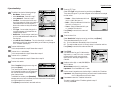
Soft key 3: MONITOR/CALL — Turns the monitor speaker off or on. When it’s on,
it allows you to hear the call you’re making. When using this feature, you can
only hear the communication taking place. You cannot be heard unless you
use a handset (optional). When sending a fax, this key also activates the call
request feature.
Soft key 4: MEMORY TRANSMISSION — Selects which transmission mode your
fax machine uses, whether from memory or from the document feeder.
15
16
17
18
19
1.2
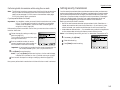
START
— Press to begin a fax transmission or reception.
— An all-purpose “Whoa!” key. Stops the current operation and ejects a
document from the document feeder.
STOP
RESET
— Press to cancel the settings.
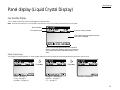
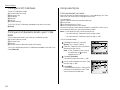
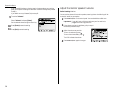
Cursor key — Use in various scenes, to select an item on LCD or to enter the
numbers when you are setting up the machine.
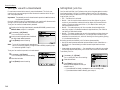
ENERGY SAVING — Press to enter the sleep mode. If you press it for 3 seconds,
it will be in the auto power off mode. Press this key again return to standby
mode.
20
NEXT — When the frame of the item at the lower part on LCD is shown with
double or more lines, it means that you can select more items. Press this key
to show the more items.
21
Select function keys — These keys correspond to the items at the lower
part on the LCD. Press to choose item at the lower part on the LCD.
22
23
FAX
— Press to change from Copy mode to Fax mode.
COPY
— Press to change from Fax mode to Copy mode.