1
Overview of Basic Steps
Overview of Basic Steps
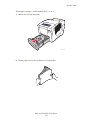
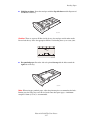
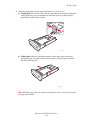
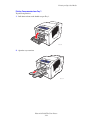
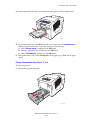
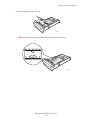
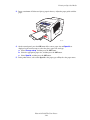
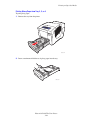
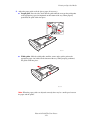
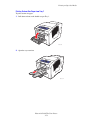
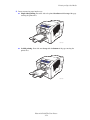
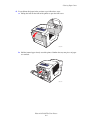
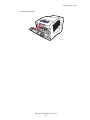
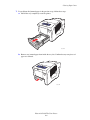
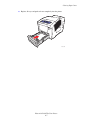
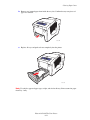
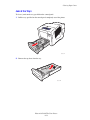
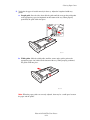
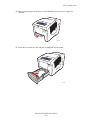
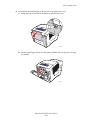
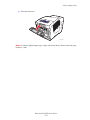
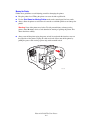
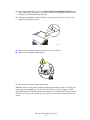
1. Load paper in the tray.
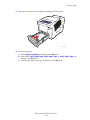
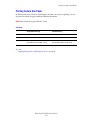
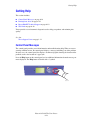
2. If you are prompted by the control panel, either confirm the paper type and size or change
it as required.
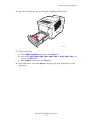
3. From the software application, access the Print dialog box, and then select printing
options in the printer driver.
4. Send the job to the printer from the software application’s Print dialog box.
See also:
Loading Paper on page 3-8
Selecting Printing Options on page 3-20
Printing on Specialty Media on page 3-28
Phaser® 8500/8550 Color Printer
3-2