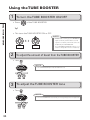
1
EDIT
5
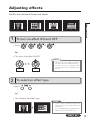
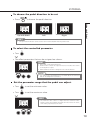
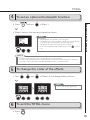
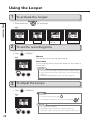
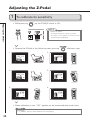
To scroll through the effects shown
HINT
.
You can also scroll using the footswitches.
•Left: Press
Example: If you press
1
2
3
1
and
•Right: Press
2
3
1
2
simultaneously.
and
3
simultaneously.
1
2
Adjusting effects
• Press
3
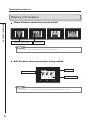
This shows there are more effects in this direction
1
2
3
1
2
3
1
2
3
1
2
3
This shows the number of effects hidden in this direction.
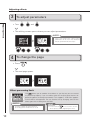
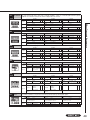
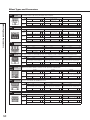
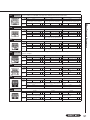
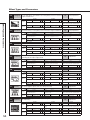
About scrolling the effects
With the
, you can arrange and use up to nine effects—eight regular effects and one Z-Pedal
effect. The display shows four of these effects at a time. By scrolling, you can move to different parts
of the effect chain and view effects that might have been hidden.
(
)
+
1
(
2
3
1
2
3
1
2
3
1
2
+
)
3
11