1
kap02.fm5
18.7.99
Gigaset 2010, LAM/engl.: A30852-X1100-B313-1-7619
Stepwise start-up
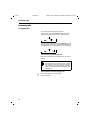
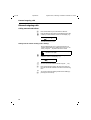
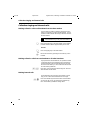
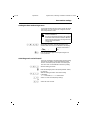
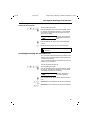
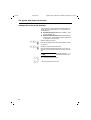
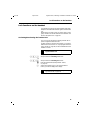
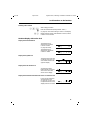
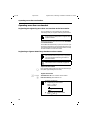
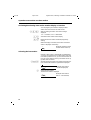
Step 3: Connecting the base station
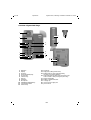
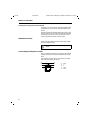
Plug-in power supply
and 220/230V
or 110/120V socket
power cord
phone cord
cord channel for
power and phone
cords
power cord RJ-11 plug
power cord RJ-11 plug
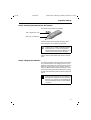
Underside of base
station case
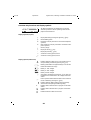
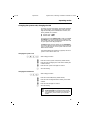
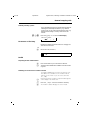
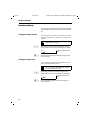
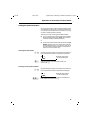
Phone cord
Insert the RJ-11 plug on your phone cord into the base
station. The jack on the bottom of the base station is
marked with the following symbol:
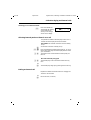
Insert the phone plug on your phone cord into your phone
socket.
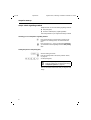
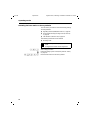
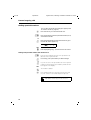
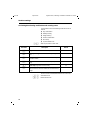
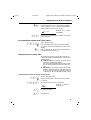
Power cord
Insert the RJ-11 plug on your power cord into the base
station. The jack on the bottom of the base station is
marked with the following symbol:
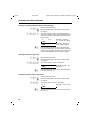
Insert the power cord plug-power supply into a 220/230V
socket (C39280-Z4-C59) or a 110/120V socket (C39280-Z4C69).
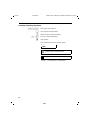
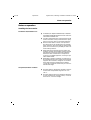
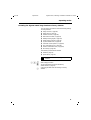
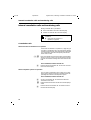
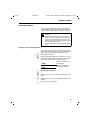
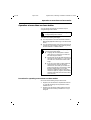
For safety reasons, the phone must only be operated with the supplied Siemens adapter
C39280-Z4-C59 for 220/230V or
C39280-Z4-C69 for 110/120V.
2