1
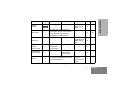
GETTING STARTED
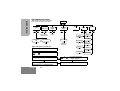
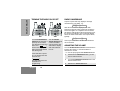
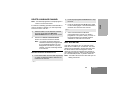
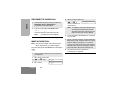
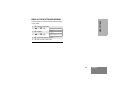
RECEIVING A CALL
SENDING A CALL
1
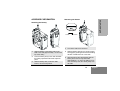
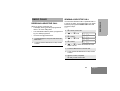
Turn your radio on.
1
Turn your radio on.
2
Adjust the radio’s volume.
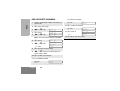
2
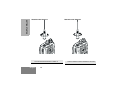
Select the desired channel.
3
Select the desired channel.
3
4
Listen for voice activity. The LED indicator
flashes red while your radio is receiving.
Monitor for traffic (using the pre-programmed
Monitor button) before transmitting to ensure
that you do not ‘talk over’ someone who is
already transmitting.
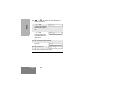
5
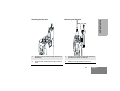
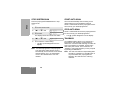
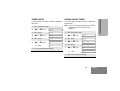
To respond, hold the radio vertically 2.5 to 5
cm (1 to 2 inches) from your mouth. Press the
PTT to talk; release it to listen
3
Hold the radio vertically 2.5 to 5 cm
(1 to 2 inches) from your mouth. Press the
PTT to talk; release it to listen.
Note: The system may have a limited call time and
the call may be terminated automatically if
this call time is exceeded.
English
20
Note: Your radio may be configured for ‘Transmit
Inhibit’ under certain conditions (e.g. when
the channel is in use by others) in which
case, the channel busy tone will sound when
you press the PTT or call button to indicate
that transmission is inhibited.