1
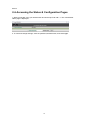
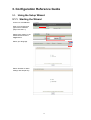
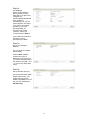
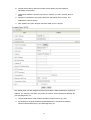
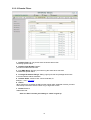
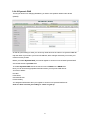
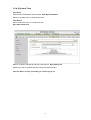
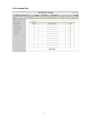
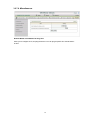
Press “Next” to start the
Setup Wizard.
3.1.2. Configure Settings using the Wizard
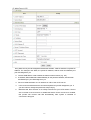
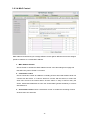
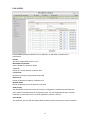
Step 1.
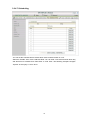
Change System Password.
Set up your system
password.
(Default:admin)
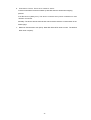
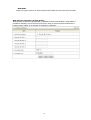
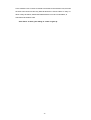
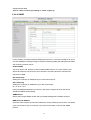
Step 2a.
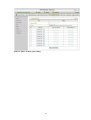
Select Wan Type.
Auto Detecting or Setup
Manually
Auto-detect looks for
Internet over WAN first. If
no connection is detected,
3G is set.
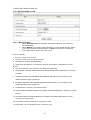
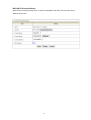
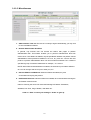
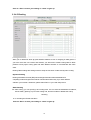
Step 2b.
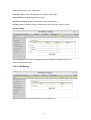
Select LAN IP Address and
Wan Type.
18