1
WHEN USING MANUAL SENDING
AND RECEIVING
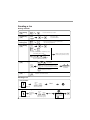
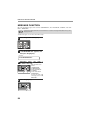
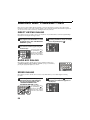
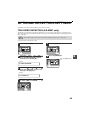
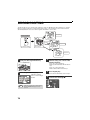
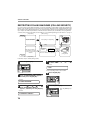
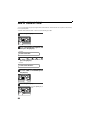
You need to use the [SPEAKER] key or an extension telephone to perform manual sending and receiving. For
information about connecting an extension telephone See "CONNECTING OTHER DEVICES" (p.12).
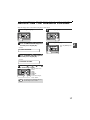
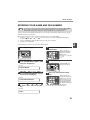
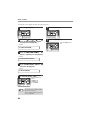
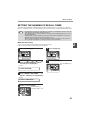
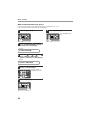
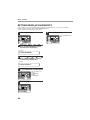
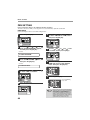
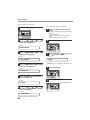
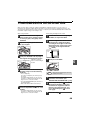
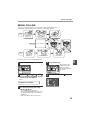
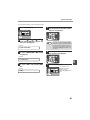
1
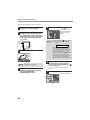
When the extension telephone rings,
pick up the handset and converse.
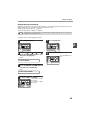
If the [SPEAKER] key is used to answer a call
you cannot converse.
Note
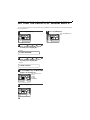
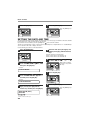
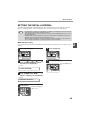
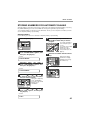
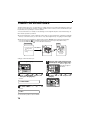
2
You cannot use the [SPEAKER] key for fax
transmission/reception while copying is in
progress.
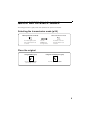
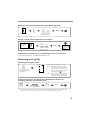
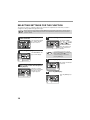
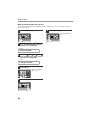
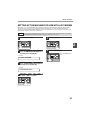
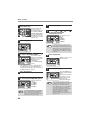
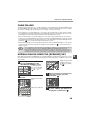
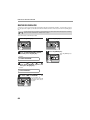
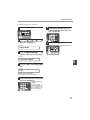
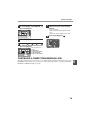
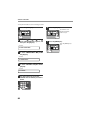
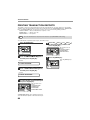
When the handset is off hook or the
[SPEAKER] key is used, press the
[START] key ( ).
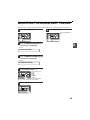
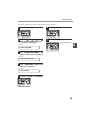
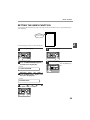
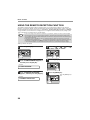
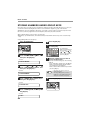
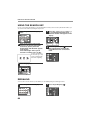
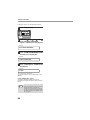
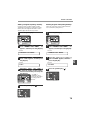
MANUAL MODE
1:SEND,
2:RECEIVE
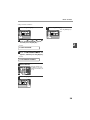
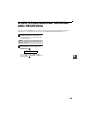
Press the [ ] key ( ) or [ ] key ( ) to
select "1:SEND" or "2:RECEIVE", and then press
the [START] key (
).
4
65