1
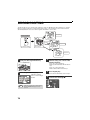
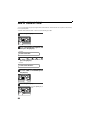
HOW TO USE THE FAX FUNCTION
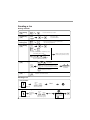
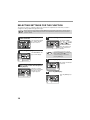
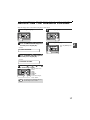
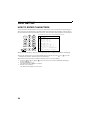
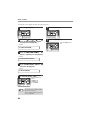
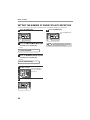
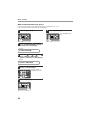
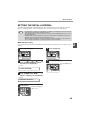
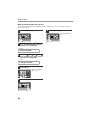
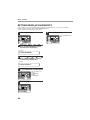
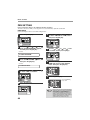
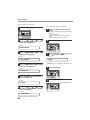
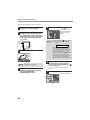
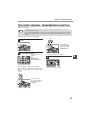
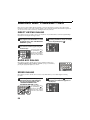
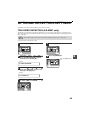
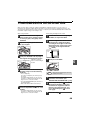
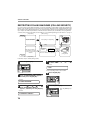
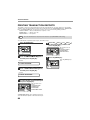
When placing the Original on the document glass:
1
2
Confirm that there are no original(s) in
the RSPF, and open the RSPF.
5
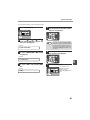
Press the [START] key (
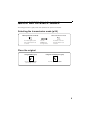
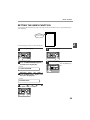
Place the original face down on the
document glass. Align the original
according to the original scale in the
illustration below. (Line up the center
of the edge of the original with the
(
) mark.)
Note
Original
scale
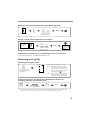
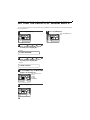
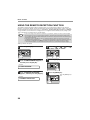
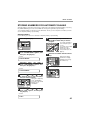
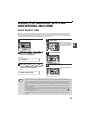
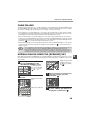
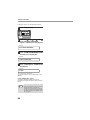
After the [START] key (
) is pressed, the
set original size appears in the display.
(EX. )
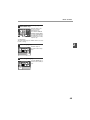
READING
A4
Gently close the RSPF.
6
Note
4
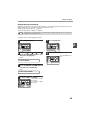
When using the document glass, do not set
original(s) in the SPF/RSPF.
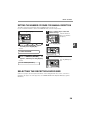
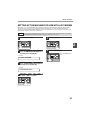
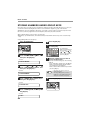
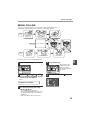
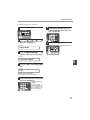
If needed, set the original size,
resolution, and contrast. Continue
with the "DIALING AND
TRANSMITTING" section.
#001
100%
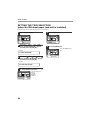
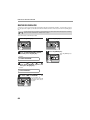
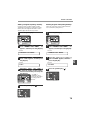
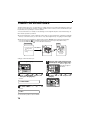
Make sure that the displayed size is the
same as the actual original size. (The
factory default setting for the original size is
A4.) If the displayed size is not correct,
press the [CLEAR ALL] key (
) to stop
operation and then change the original size
setting. (See "ORIGINAL SIZE" (p.53))
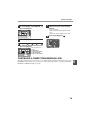
When faxing from the document glass, if the
size of the original is different from the
specified size, part of the image may be cut
off.
mark
3
).
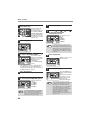
The set original size
appears in the display
and then scanning
begins.
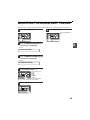
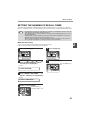
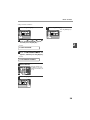
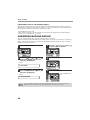
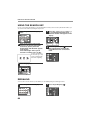
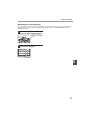
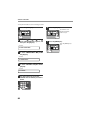
If you have more than one original to
read into memory, place the next
page, and press the [START] key ( )
to read each page.
Go to step 7 after the last page has been
scanned.
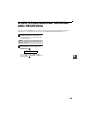
7
Press the [#] key.
Transmission begins.
52