1
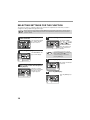
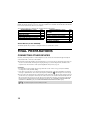
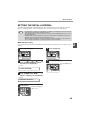
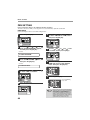
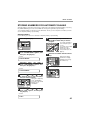
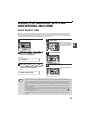
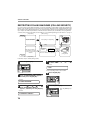
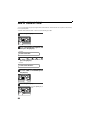
ADJUSTING THE RINGING VOLUME
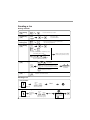
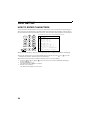
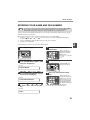
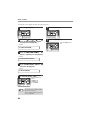
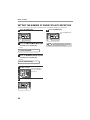
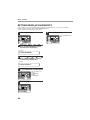
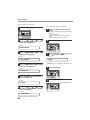
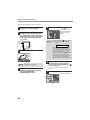
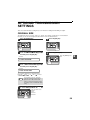
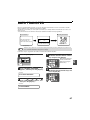
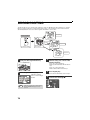
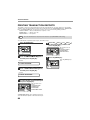
Adjust the ringing volume of the machine using the procedure below.
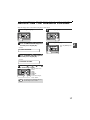
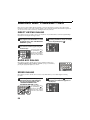
1
5
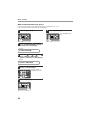
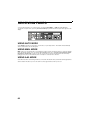
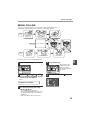
Press the [MENU] key.
1,2,3,
1,2,3,
1,2,3,
1,2,3,
SP. FUNC
SP. FUNC
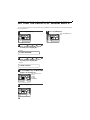
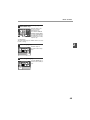
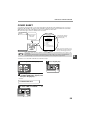
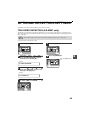
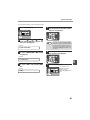
2
Press the [OK] key.
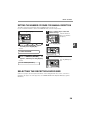
Press the [ ] key ( ) or [ ] key ( )
until "4:USER PROGRAM" appears,
and then press the [OK] key.
Selection
6
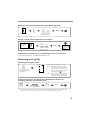
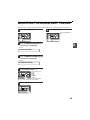
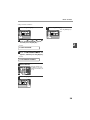
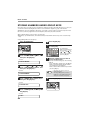
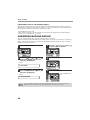
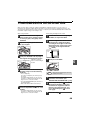
Press the [MENU] key.
Press the [MENU] key to
exit.
1,2,3,
1,2,3,
SP. FUNC
"4:USER PROGRAM"
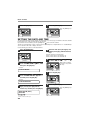
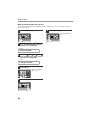
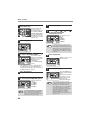
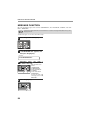
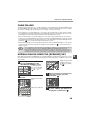
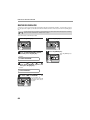
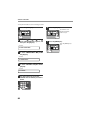
3
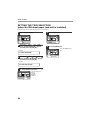
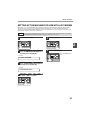
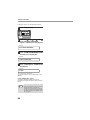
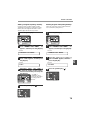
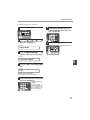
Press the [ ] key ( ) or [ ] key ( )
until "18:RINGER VOLUME" appears,
and then press the [OK] key.
Selection
"18:RINGER VOLUME"
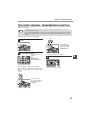
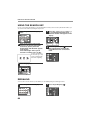
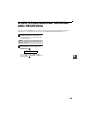
4
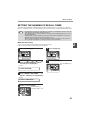
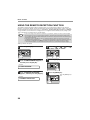
Press the [ ] key ( ) or [
to set the ringer volume.
1,2,3,
1,2,3,
SP. FUNC
Note
] key (
)
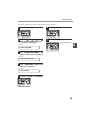
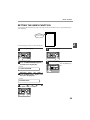
The selections are as
follows:
1:OFF
2:LOW
3:MIDDLE
4:HIGH
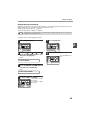
To turn off the ringer,
select "1:OFF".
An extension phone will still ring when the
machine ringer is set to "1:OFF".
17
2