1
file:///C|/Documents%20and%20Settings/POpitz/My%20Documents/temp/UnidenManBeta/MotorolaTrunkedSystems.html
None
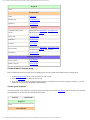
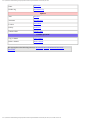
Optional
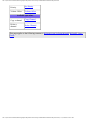
Set Lockout
Lockout
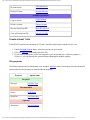
Available operations
Delete a
frequency
Delete
Frequency
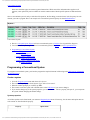
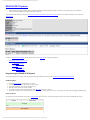
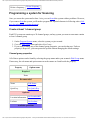
Programming a system for Scanning
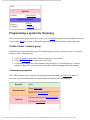
Once you create the system and at least 1 site, you can Search the system with no problems. However,
if you want to Scan the system, you'll need to program the required elements in following order:
Create at least 1 channel group
Each Motorola system can contain up to 20 channel groups, and any system you want to scan must
contain at least 1 channel group.
1. On the Program System menu, select the system you just created.
2. Go to the Edit Group menu and select New Group .
3. If you need to change any of the channel group properties, you can do that now. Unless a
property is Required , you can operate the system without changing the default settings.
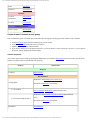
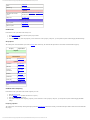
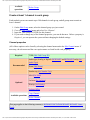
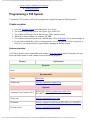
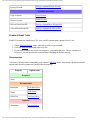
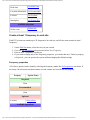
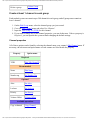
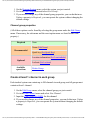
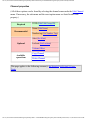
Channel group properties
(All of these options can be found by selecting the group name under the Edit Group menu. If
necessary, the sub-menu and the exact option name are listed beside each property.)
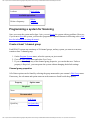
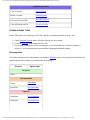
Required
None
Name (Edit Name)
Recommended
Quick key (Set Quick Key)
Location information (Set LocationInfo)
Optional
Lockout (Set Lockout)
file:///C|/Documents%20and%20Settings/POpitz/My%20Documents/temp/UnidenManBeta/MotorolaTrunkedSystems.html (6 of 7)4/7/2009 10:08:28 AM