1
mx2700_ex_qck.book
75 ページ
2005年9月20日 火曜日 午前9時46分
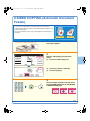
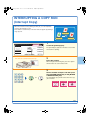
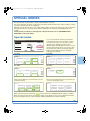
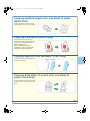
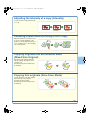
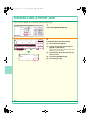
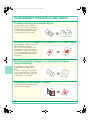
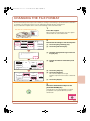
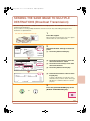
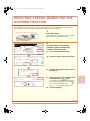
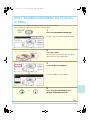
The document filing function is convenient in these
situations
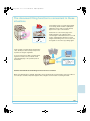
You prepared copies of a many-page handout
for a meeting, but the number of participants
suddenly increases and you need to quickly
prepare more copies of the handout.
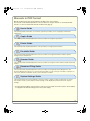
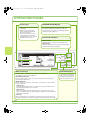
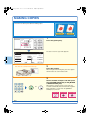
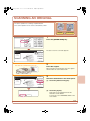
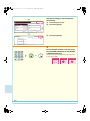
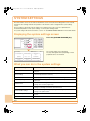
Ready to scan for copy.
0
Full Colour
Colour Mode
2-Sided Copy
Job Detail
Settings
Output
Auto
Exposure
Plain
A4
1.
2.
3.
100%
Copy Ratio
4.
A4
A4R
B4
A3
Special Modes
File
Quick File
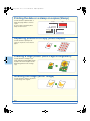
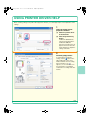
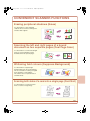
It takes time to scan all of the pages of the
handout. And the copy settings must be
selected again. In this situation, there is no need
to panic. Simply print the file that you stored
using document filing. There is no need to scan
the originals or select the copy settings again.
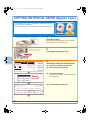
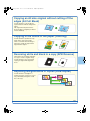
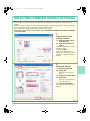
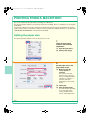
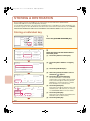
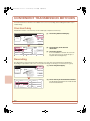
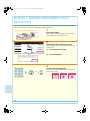
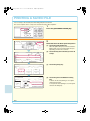
Forms for daily or weekly reports are kept in the
office, but they are often used up and you have
to print more using the original file.
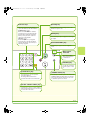
If you store the forms for daily or weekly reports
together in a folder, users can obtain a form
using the Web page or the operation panel of
the machine.
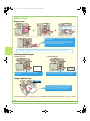
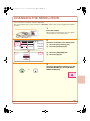
HDD Status
File Store
Scan to HDD
Search
File Retrieve
File
Folder
Quick File
Folder
External Data
Access
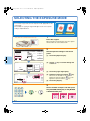
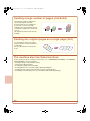
Features that make the document filing function even more convenient
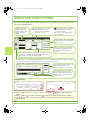
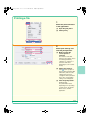
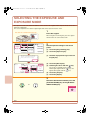
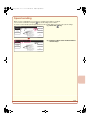
When user authentication is enabled, "My Folder" can be specified in the user information of the users. When a
user calls up a stored file, "My Folder" appears first, saving the user the trouble of selecting the folder.
75