1
2 BitStorm 1900 Installation and Testing
Step
Procedure
cont.
3.)
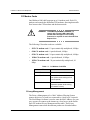
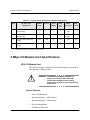
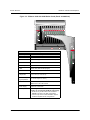
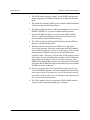
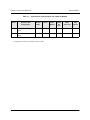
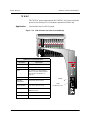
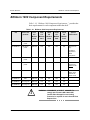
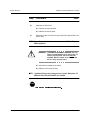
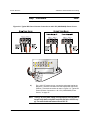
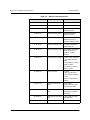
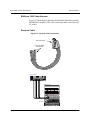
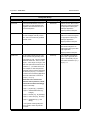
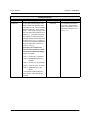
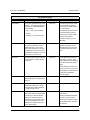
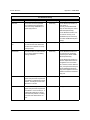
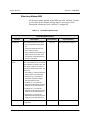
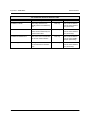
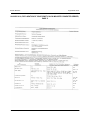
With the power supply turned OFF, connect the -48 V DC (250W/
260W) or 110 V AC (70W/260W) power source according to the
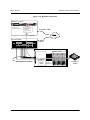
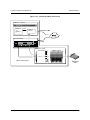
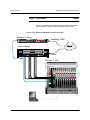
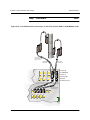
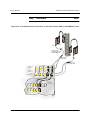
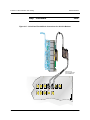
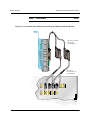
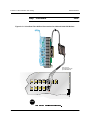
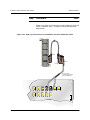
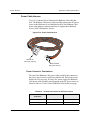
following table and Figure 2-8, "Typical DC Power Harness Connection to -48 V DC (250W/260W) Power Source," on page 67.
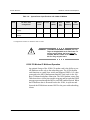
!
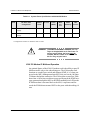
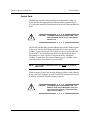
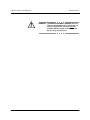
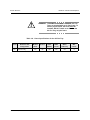
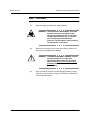
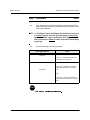
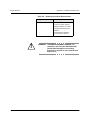
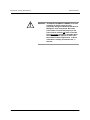
WARNING: POSSIBLE EQUIPMENT DAMAGE! With the
-48 V DC power supply, reversed polarities
on the power feed can irreparably damage
the BitStorm 1900 shelf components. Be
certain that power feeds are connected
properly to the power source, with the red
lead connected to the -48 V DC supply
(negative terminal) as shown in the table
below. Note that this is the opposite of other
(non-telecommunications) applications, in
which the red lead is usually connected to
the positive (+) terminal.
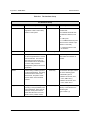
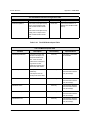
Power
Lead
2-66
Elastic Networks
Power Source
Terminal Connection
Red
-48 V DC supply
(250W/260W)
Negative (-)
Black
-48 V DC return
(250W/260W)
Positive (+)
N/A
110 V AC supply
(70W/260W)
IEC
BitStorm 1900™ Installation and Maintenance Guide
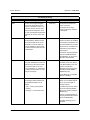
Line Fuse
3 AMP, 250W
10 AMP, 260W
2 AMP, 70w
6 AMP, 260W
08-01101-01, Rev. 1.50