1
Admin Tab
3.3.4.2
Package Installation
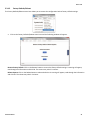
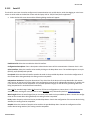
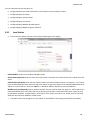
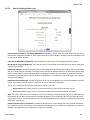
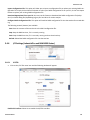
The Package Installation feature allows you to upload and install patches from Red Lion.
•
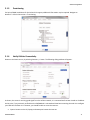
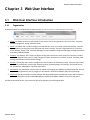
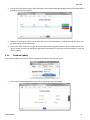
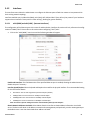
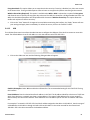
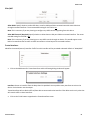
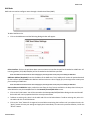
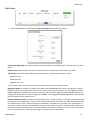
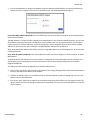
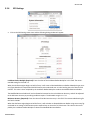
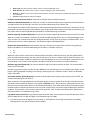
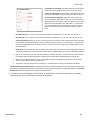
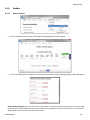
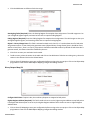
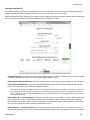
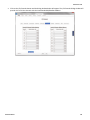
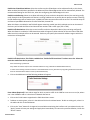
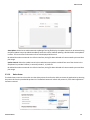
Click on the Package Installation menu item and the following dialog window will appear:
•
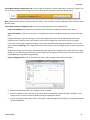
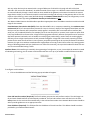
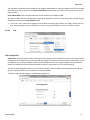
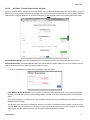
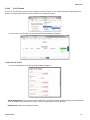
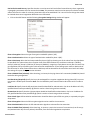
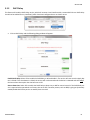
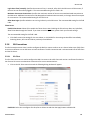
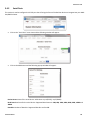
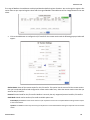
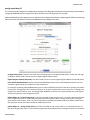
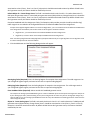
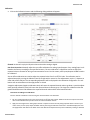
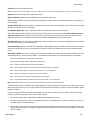
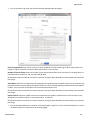
In the Package File field, click the Select File button, and the following dialog window appear:
•
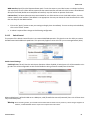
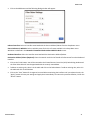
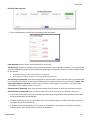
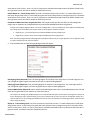
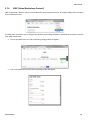
Browse to the directory where the patch is located.
•
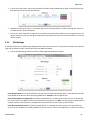
Select the filename to select the file. Note: Be sure to use only genuine Red Lion provided packages in the form of
filename.zip.
•
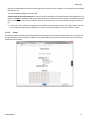
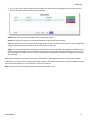
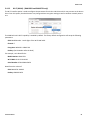
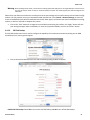
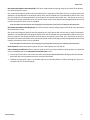
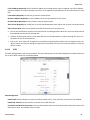
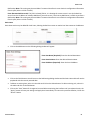
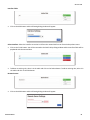
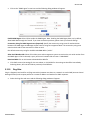
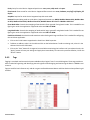
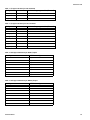
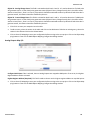
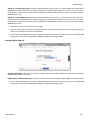
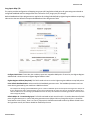
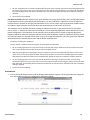
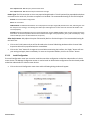
Click on the Open button to populate the Package File field and click on the Install button. When install is complete, a table will appear at the bottom of the dialog window listing the modified files.
Software Manual
44