1
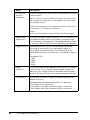
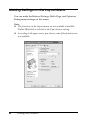
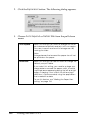
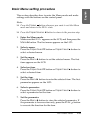
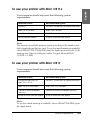
❏ Click Help on the Main, Paper, Layout, or Utility menu
for help related to the item on that menu.
Checking Printer Status and Managing Print
Jobs
Using the Progress Meter
1
English
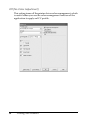
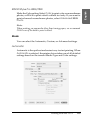
❏ Right-click the item, and then click the What's this?
button.
1
1
1
1
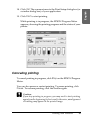
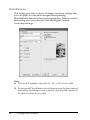
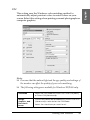
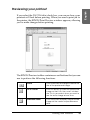
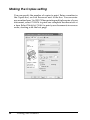
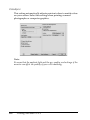
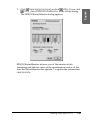
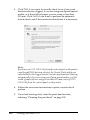
When you send a print job to the printer, the Progress Meter
window opens.
1
1
1
1
1
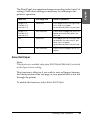
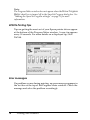
The Progress Meter indicates the progress of the current print job
and provides printer status information when bi-directional
communication between the printer and your computer is
established. This meter also displays helpful tips for better
printing and error messages.
Printing with Windows
77
1
1