1
Setusers.EXE (Cont’d)
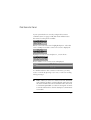
Scroll through the list and use the Spacebar to toggle options
on or off for the selected user. When options are assigned,
press l to exit. When assigning options to all users is
completed, press l to exit to DOS.
Copying PMAN.PSW
You must now copy the file PMAN.PSW to the directory
C:\PANELMAN .To achieve this:
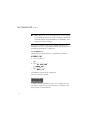
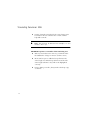
1 Log on to drive C.
f
2 Type
f
3 Type
Data Directories
Panelman 3GS Supports multiple data directories. This will
allow a user to group installations by type and make it easier
to find a file for downloading purposes, rather than having
files in one directory and having to search through all files.
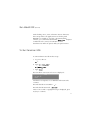
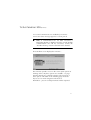
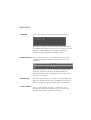
If you wish to set up alternate data directories, simply set the
environmental variable PMAN_DATA to the required directory.
This can be done using batch files for greater user
convenience.
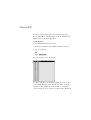
Eg.
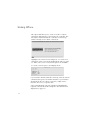
Banks will use a directory on drive C called \PMAN_3GS\BANKS as
the data directory. If no environmental variable is set,
Panelman uses the \DATA1 directory to store data.
34