1
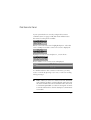
Main Menu
Configure Panel
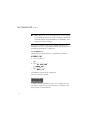
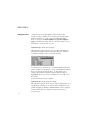
When CONFIGURE PANEL is highlighted in the main menu, press
f to display a sub-menu of options :
Press f to select a highlighted option.
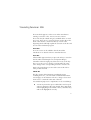
Set Installation Name
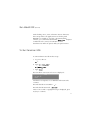
Type an installation name and address of up to 140 characters .
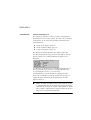
Zone Set Up
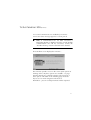
Up to 200 zones can be assigned alphanumeric descriptions of
up to 24 characters. Press o to delete descriptions on a line
currently highlighted. Press q to copy highlighted text and paste
when the cursor is in a new location by pressing r.
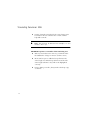
To assign a new zone type press s, scroll to the new zone type
and press f to assign.
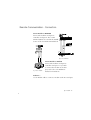
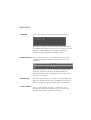
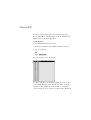
Key Navigation through menus
Key
Function
to activate a highlighted menu option.
to scroll down through and highlight options for selection.
to scroll up through and highlight options for selection.
for help on a topic (when “F1 Help” is displayed on the bottom left
corner of the screen).
to toggle or tag certain options.
to exit a menu option and return to a previous screen.
function keys are context sensitive and therefore their function will
change depending on the menu displayed. Their current function is
always displayed in the function bar along the bottom of the screen.
16