1
During Calls
During Calls
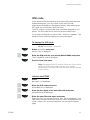
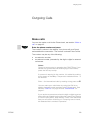
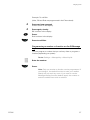
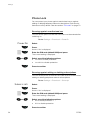
Mute microphone
ë
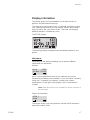
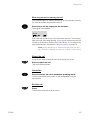
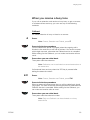
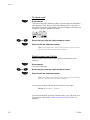
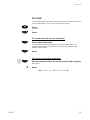
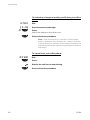
To mute the microphone during an ongoing conversation:
Press.
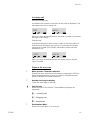
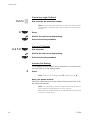
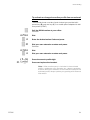
The caller will not hear the conversation in your room.The ring off
icon indicates that the microphone is off.
Anna
ë
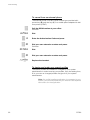
Press again, to turn the microphone on.
Note: It is advised to use this feature instead of putting a
call on hold. A call on hold may be diverted to your operator,
directly or after some time.
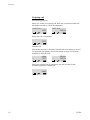
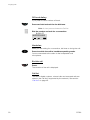
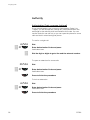
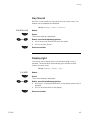
Loudspeaking (Handsfree)
>
DT292
This function is extremely useful in situations when you need to
have a conversation over the phone while having your hands free
for other tasks (handsfree). You can switch to handsfree speaking
(and back to standard speaking procedure) at any time during a
call.
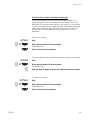
Press to switch handsfree speaking mode on or off.
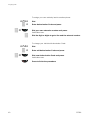
During handsfree speaking, you are connected to the caller via the
loudspeaker and microphone.
51