1
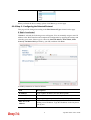
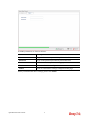
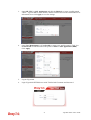
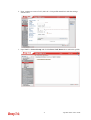
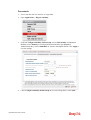
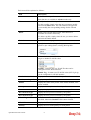
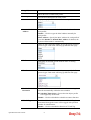
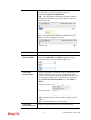
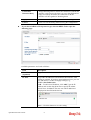
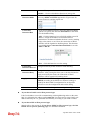
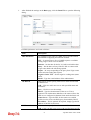
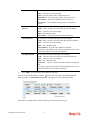
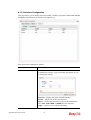
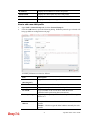
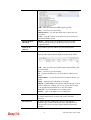
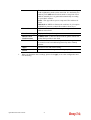
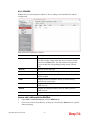
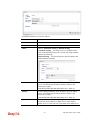
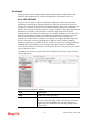
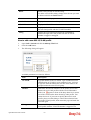
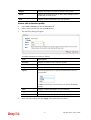
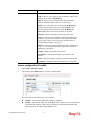
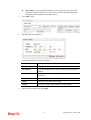
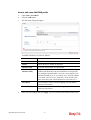
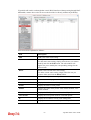
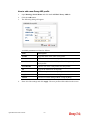
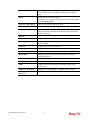
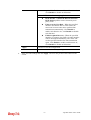
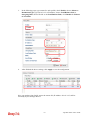
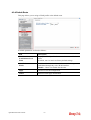
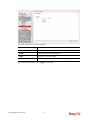
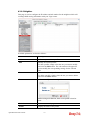
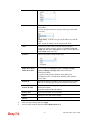
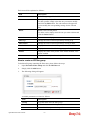
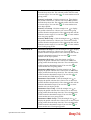
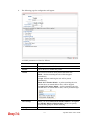
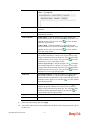
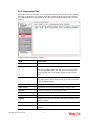
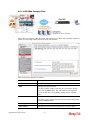
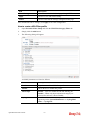
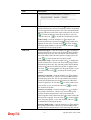
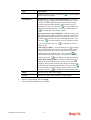
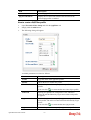
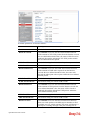
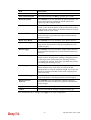
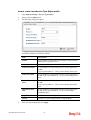
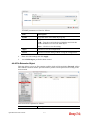
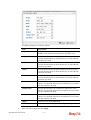
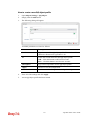
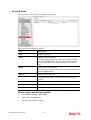
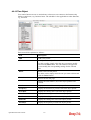
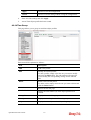
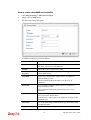
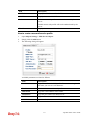
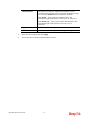
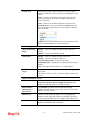
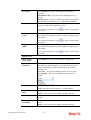
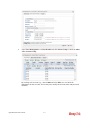
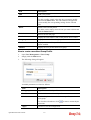
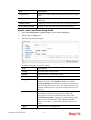
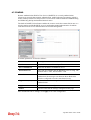
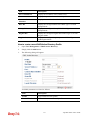
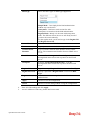
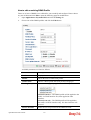
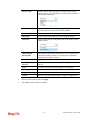
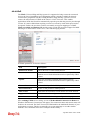
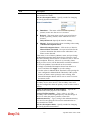
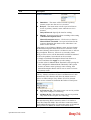
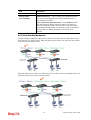
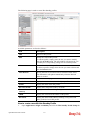
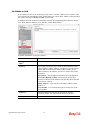
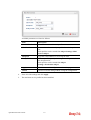
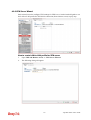
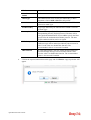
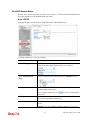
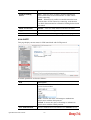
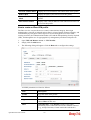
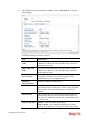
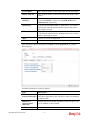
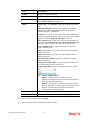
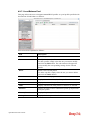
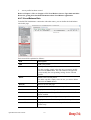
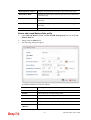
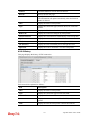
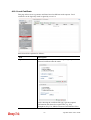
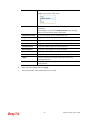
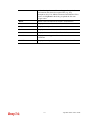
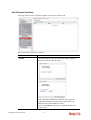
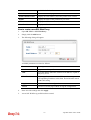
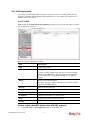
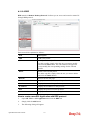
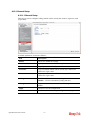
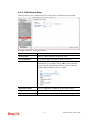
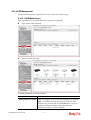
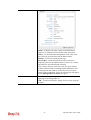
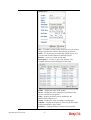
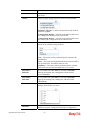
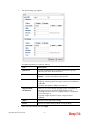
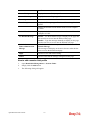
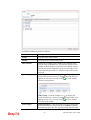
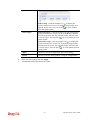
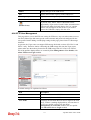
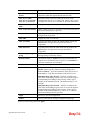
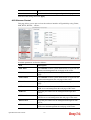
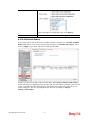
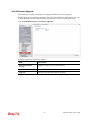
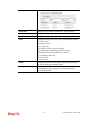
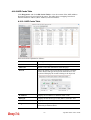
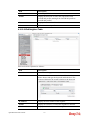
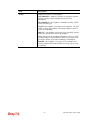
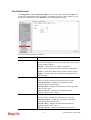
Available parameters are listed as follows:
Item
Description
Enable This Profile
Check this box to enable such profile.
Mail Profile
Choose the mail service object profile from the drop down
list.
Such profiles can be created from Object Setting>>Mail
Service Object.
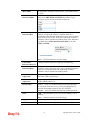
Recipient
Type the e-mail address for receiving the mail.
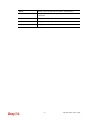
Notify Profile
Choose a profile (specify the timing for sending SMS) from
the drop down list.
Such profiles can be created from Object
Setting>>Notification Object.
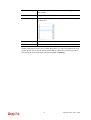
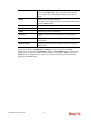
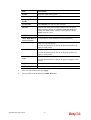
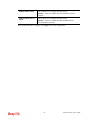
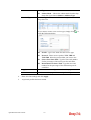
Apply
Click it to save the configuration and exit the page.
Cancel
Click it to exit the dialog without saving the configuration.
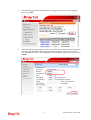
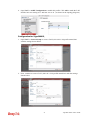
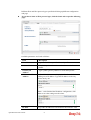
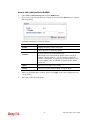
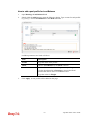
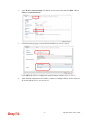
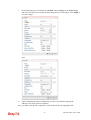
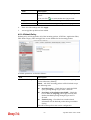
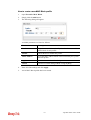
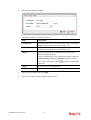
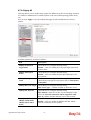
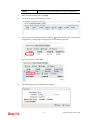
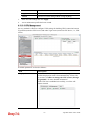
4.
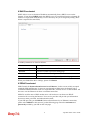
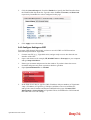
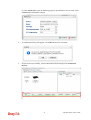
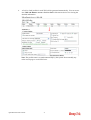
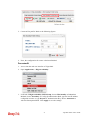
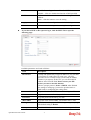
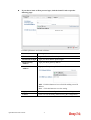
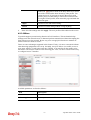
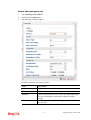
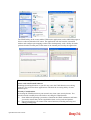
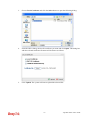
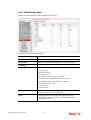
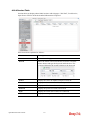
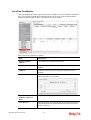
Enter all of the settings and click Apply.
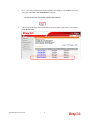
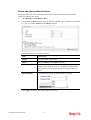
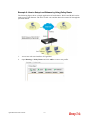
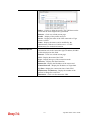
5.
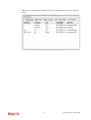
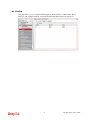
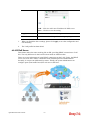
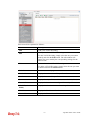
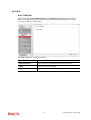
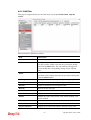
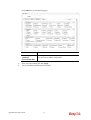
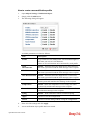
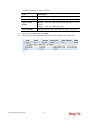
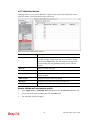
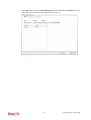
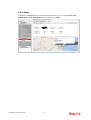
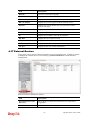
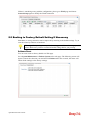
The mail alert service profile has been modified.
Vigor2960 Series User’s Guide
291