1
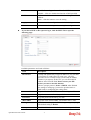
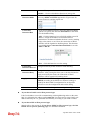
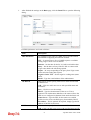
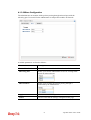
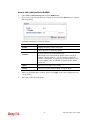
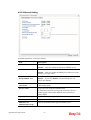
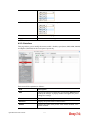
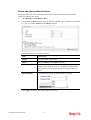
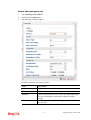
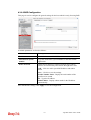
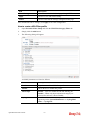
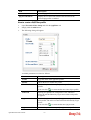
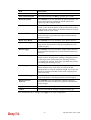
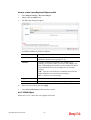
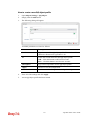
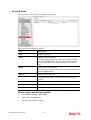
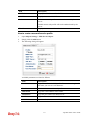
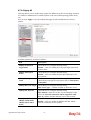
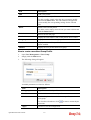
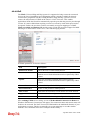
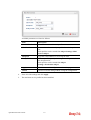
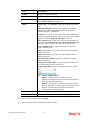
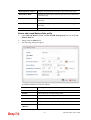
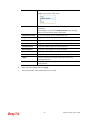
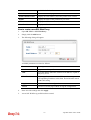
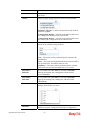
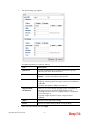
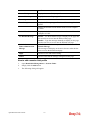
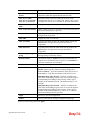
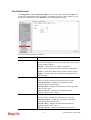
Destination Mask
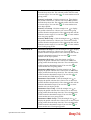
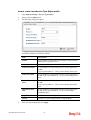
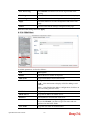
Type the subnet mask address specified for the destination
IP.
Destination Port
Start
Type the start point.
Destination Port
End
Type the end point.
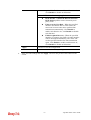
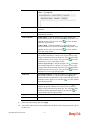
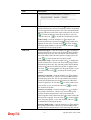
Load Balance Pool
Use the drop down list to choose one profile configured in
load balance pool. Then, such rule will be applied by the
pool.
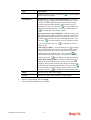
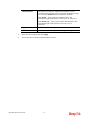
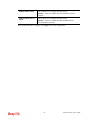
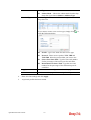
Apply
Click it to save the configuration.
Cancel
Click it to exit the page without saving the configuration.
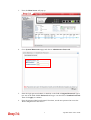
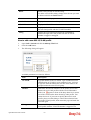
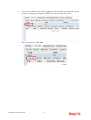
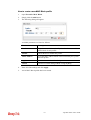
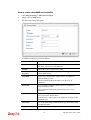
4.
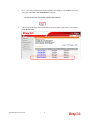
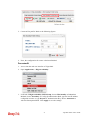
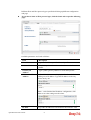
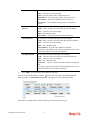
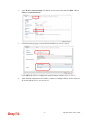
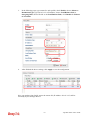
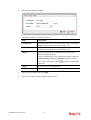
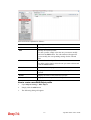
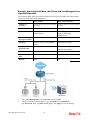
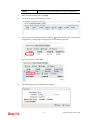
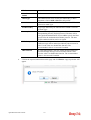
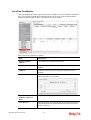
Enter all of the settings and click Apply.
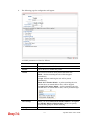
5.
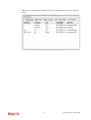
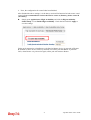
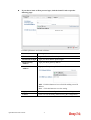
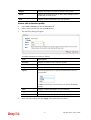
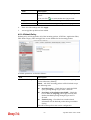
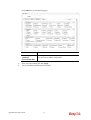
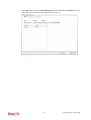
A new profile has been created.
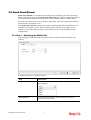
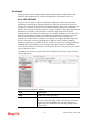
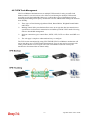
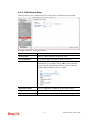
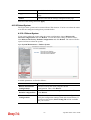
4.9.8 Connection Management
4.9.8.1 Connection Management
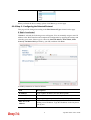
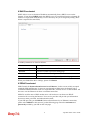
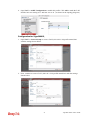
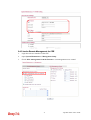
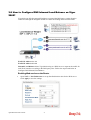
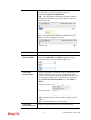
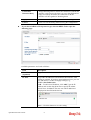
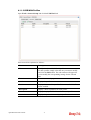
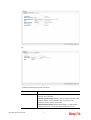
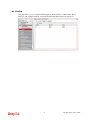
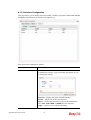
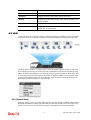
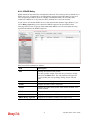
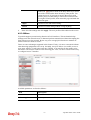
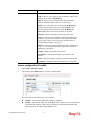
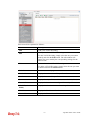
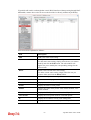
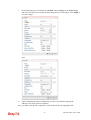
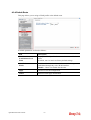
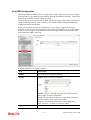
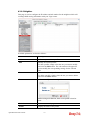
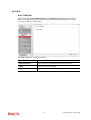
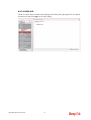
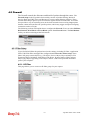
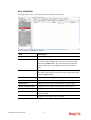
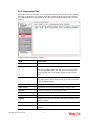
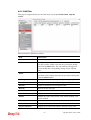
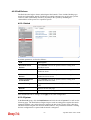
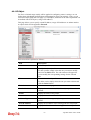
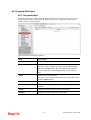
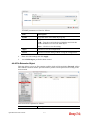
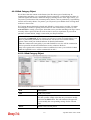
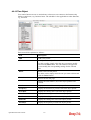
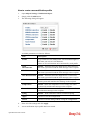
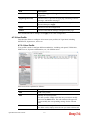
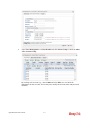
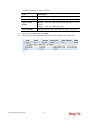
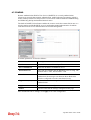
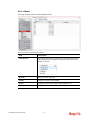
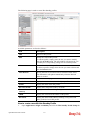
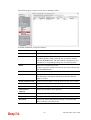
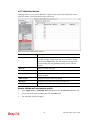
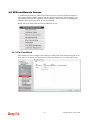
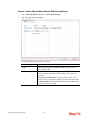
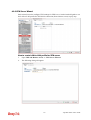
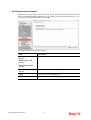
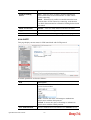
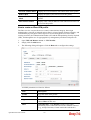
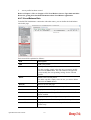
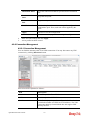
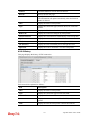
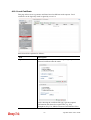
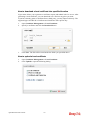
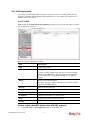
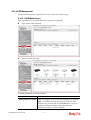
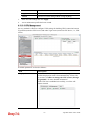
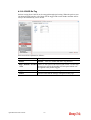
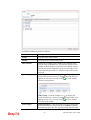
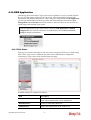
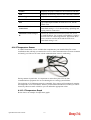
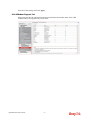
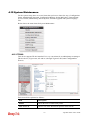
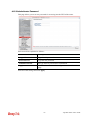
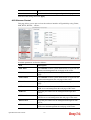
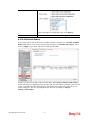
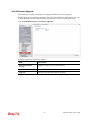
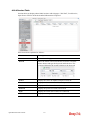
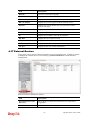
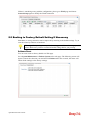
You can find the summary table of all VPN connections. You may disconnect any VPN
connection by clicking Disconnect button.
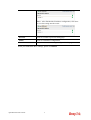
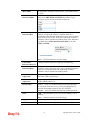
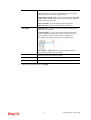
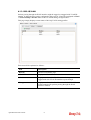
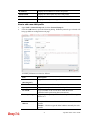
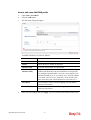
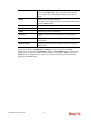
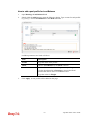
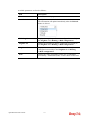
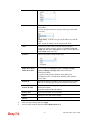
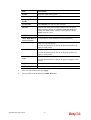
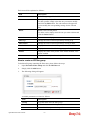
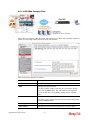
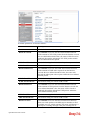
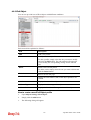
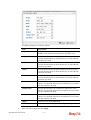
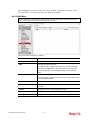
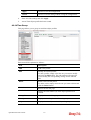
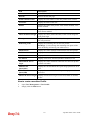
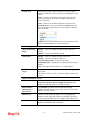
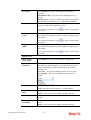
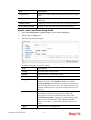
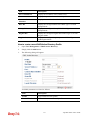
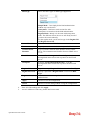
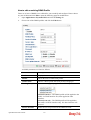
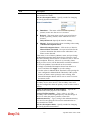
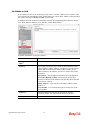
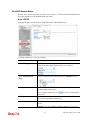
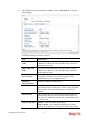
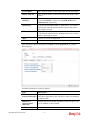
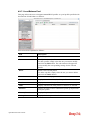
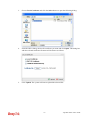
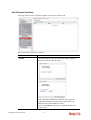
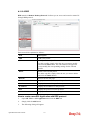
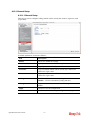
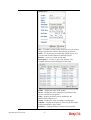
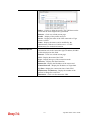
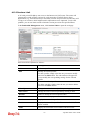
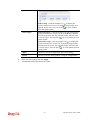
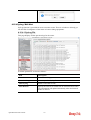
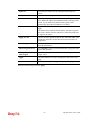
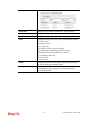
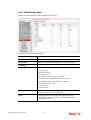
Each item will be explained as follows:
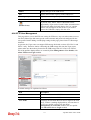
Item
Description
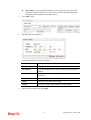
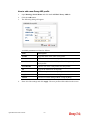
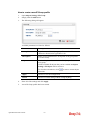
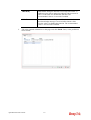
IPsec
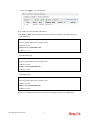
Click it to perform IPsec VPN connection.
PPTP
Click it to perform PPTP VPN connection.
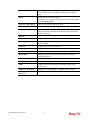
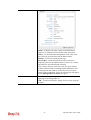
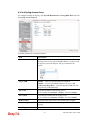
Profile
This filed displays the profile configured in LAN-to-LAN
(with Index number and VPN Server IP address). The VPN
connection built by General Mode does not support VPN
backup function.
Vigor2960 Series User’s Guide
323