1
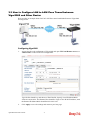
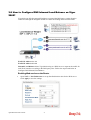
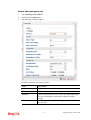
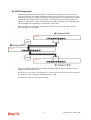
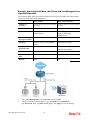
For router A
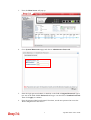
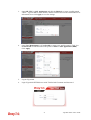
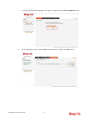
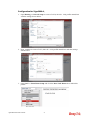
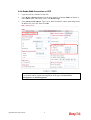
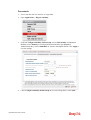
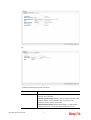
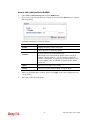
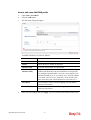
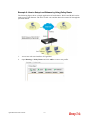
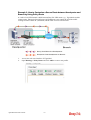
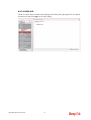
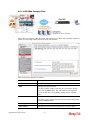
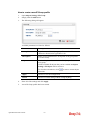
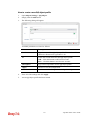
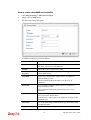
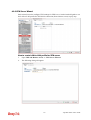
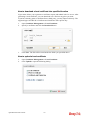
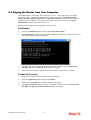
1. Access into the web user interface of Vigor2960.
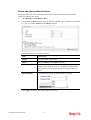
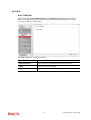
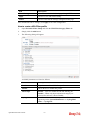
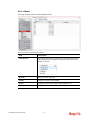
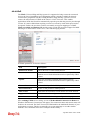
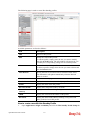
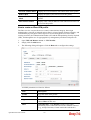
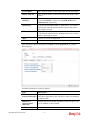
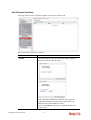
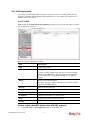
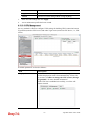
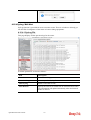
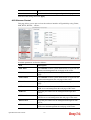
2. Open Applications >>High Availability.
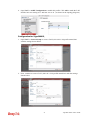
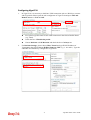
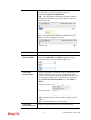
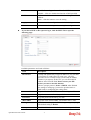
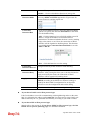
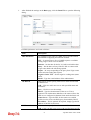
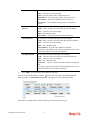
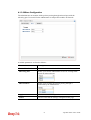
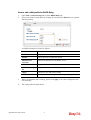
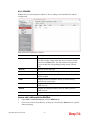
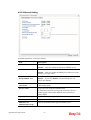
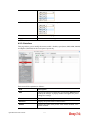
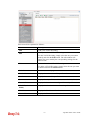
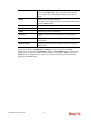
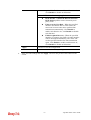
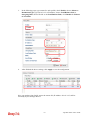
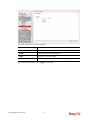
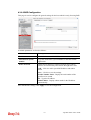
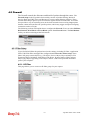
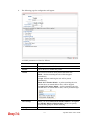
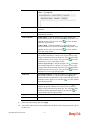
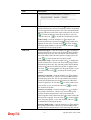
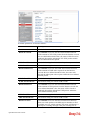
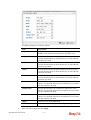
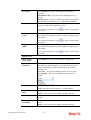
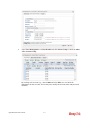
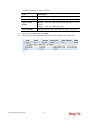
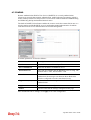
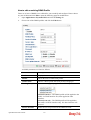
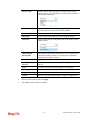
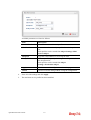
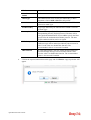
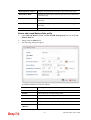
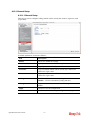
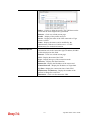
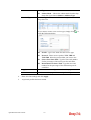
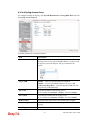
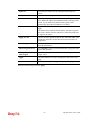
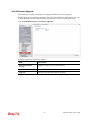
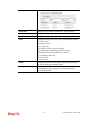
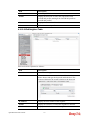
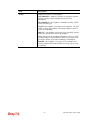
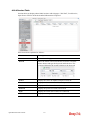
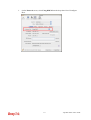
3. In the tab of High Availability Global Setup, choose Hot-Standby as Redundant
Method; choose Primary as Config Synchronization Rule; type draytek as
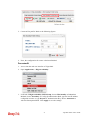
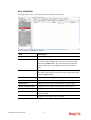
Authentication Key; choose Immediate as Advance Preemption Mode. Click Apply to
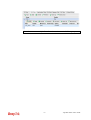
save the settings.
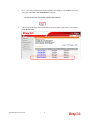
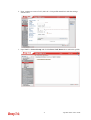
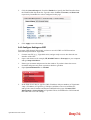
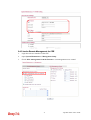
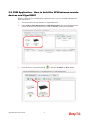
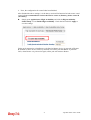
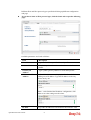
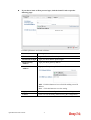
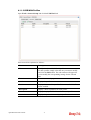
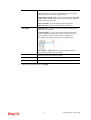
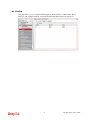
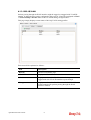
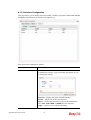
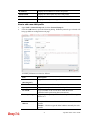
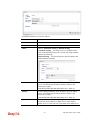
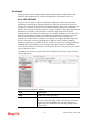
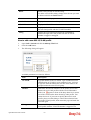
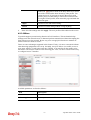
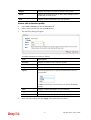
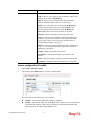
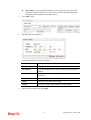
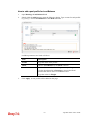
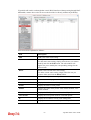
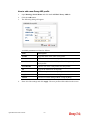
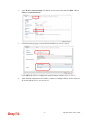
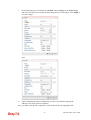
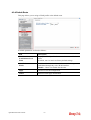
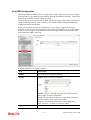
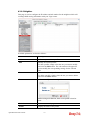
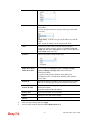
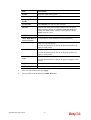
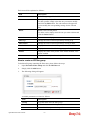
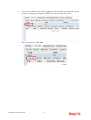
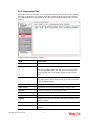
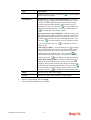
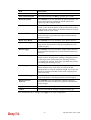
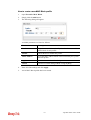
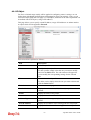
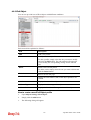
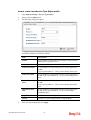
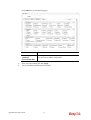
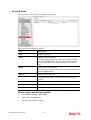
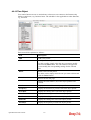
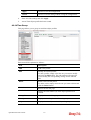
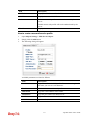
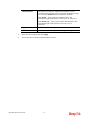
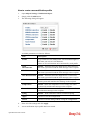
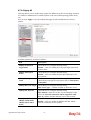
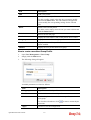
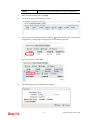
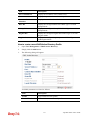
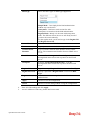
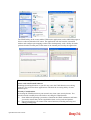
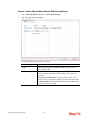
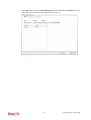
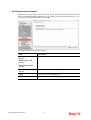
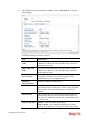
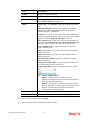
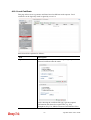
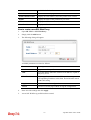
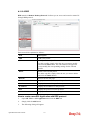
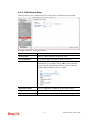
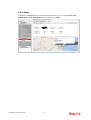
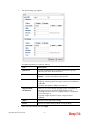
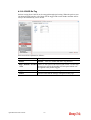
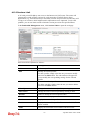
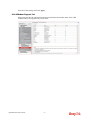
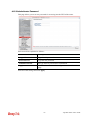
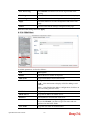
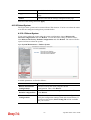
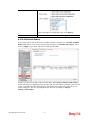
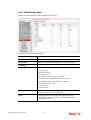
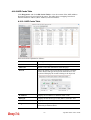
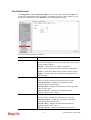
4. Click the High Availability Profile Setup tab to create HA profile(s). Click Add.
Vigor2960 Series User’s Guide
51