1
Administrator's Manual
6
6. Configuration File Parameters
Configuration File Parameters
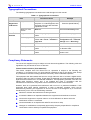
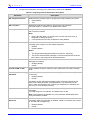
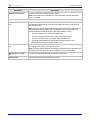
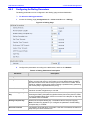
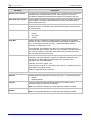
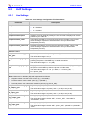
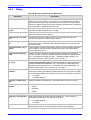
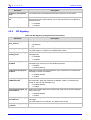
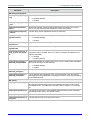
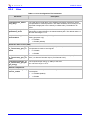
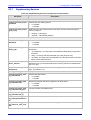
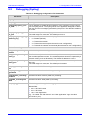
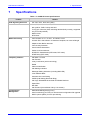
This appendix describes the parameters that you can set in the Configuration file for the IP
phone. The configuration file is in the format <phone’s MAC address>.cfg. This Configuration
file can be loaded to the phone using TFTP or manually from your local PC (refer to Section 4.8.1
on page 58).
The Configuration file can be created using a standard ASCII, text-based program such as
Notepad. The syntax of the configuration file is as follows:
<parameter name>=<value>
There cannot be spaces on either side of the equals (=) sign. Every parameter must be on a new
line.
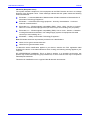
The Configuration file example below shows part of a Configuration file:
[HW_TYPE]
TYPE=310HD
[AUTO_VERSION]
VERSION=20090705
[SIP]
voip/line/0/enabled=1
voip/line/0/id=1234
voip/line/0/description=310HD
voip/line/0/auth_name=1234
voip/line/0/auth_password=4321
Note: When updating the configuration file the “VERSION” parameter must be
incremented. The suggested method for doing this is to use the following syntax:
YYYYMMDD (e.g. 20001201).
Version 1.0.2
71
October 2009