1
Using the Help
65
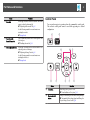
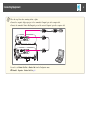
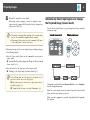
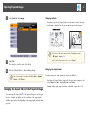
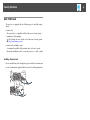
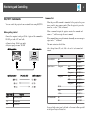
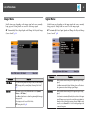
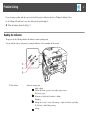
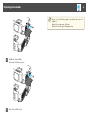
If a problem occurs with the projector, the Help screen is displayed to assist
you by pressing the Help button. You can solve problems by answering the
questions.
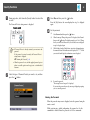
a
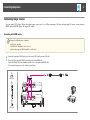
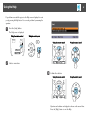
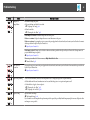
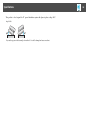
Press the [Help] button.
The Help screen is displayed.
Using the remote control
Using the control panel
Using the remote control
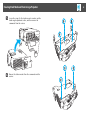
b
Using the control panel
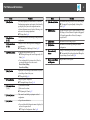
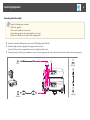
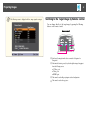
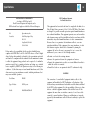
Select a menu item.
c
Confirm the selection.
Using the remote control
Using the control panel
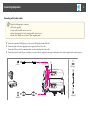
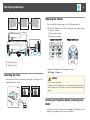
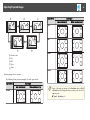
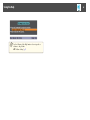
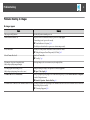
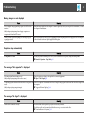
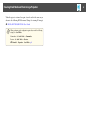
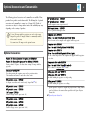
Questions and solutions are displayed as shown on the screen below.
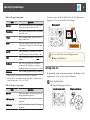
Press the [Help] button to exit the Help.