1
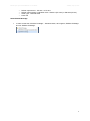
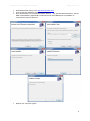
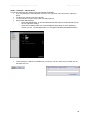
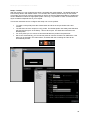
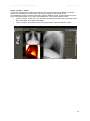
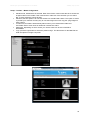
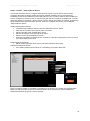
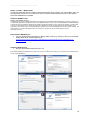
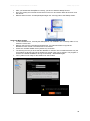
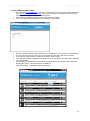
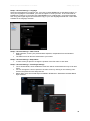
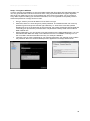
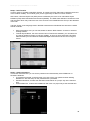
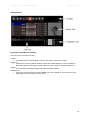
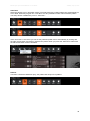
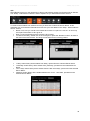
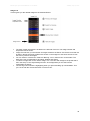
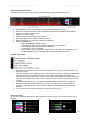
Manual (rev 16) for the DCMburner 4.x.x software Tuesday, July 16, 2013 The DCMburner Web module Open your local web browser and go to http://127.0.0.1/dicom/login.php If you want to test this from another system then type “http://IP_Address_of_DCMburner/dicom/login.php” If everything is configured properly you will see the screen below. Fill-in your Username and Password and press the “Login” button. Standard the Username is admin and the Password is not fill-in. Click the Login button. Click on the “Submit” to show all patients / studies that are in the DCMburner database. You can also fill-in a part of the patient name or ID. No wildcards needed. Select the AE-Title to view only from this modality. Burn a patient study or studies just by click ones on the “Burn” button on the right side. 49