1
Installing the VoIP V2 Speaker 22
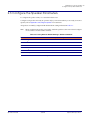
Configure the Speaker Parameters
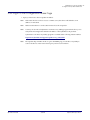
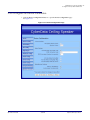
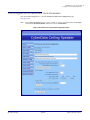
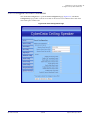
2.3.2 Log in to the Configuration Home Page
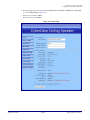
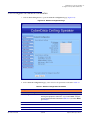
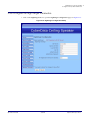
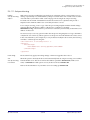
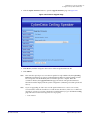
1. Open your browser to the V2 Speaker IP address.
Note
If the network does not have access to a DHCP server, the device will default to an IP
address of 10.10.10.10.
Note
Make sure that the PC is on the same IP network as the V2 Speaker.
Note
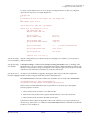
You may also download CyberData’s VoIP Discovery Utility program which allows you to
easily find and configure the default web address of the CyberData VoIP products.
CyberData’s VoIP Discovery Utility program is available at the following website address:
http://www.cyberdata.net/support/voip/discovery_utility.html
Note
Operations Guide
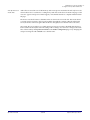
The Speaker ships in DHCP mode. To get to the Home page, use the discovery utility to
scan for the device on the network and open your browser from there.
930274I
CyberData Corporation