1
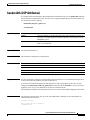
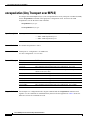
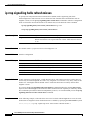
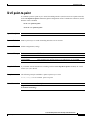
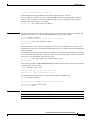
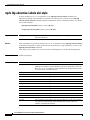
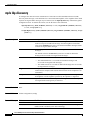
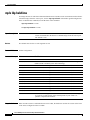
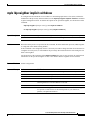
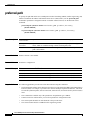
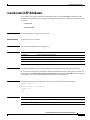
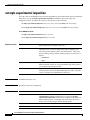
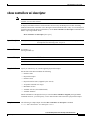
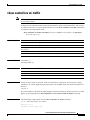
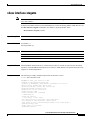
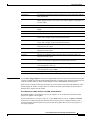
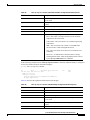
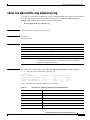
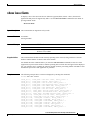
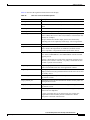
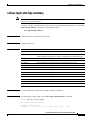
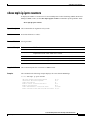
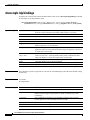
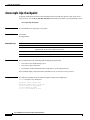
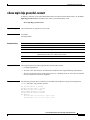
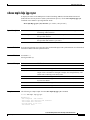
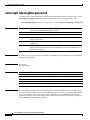
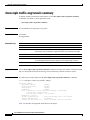
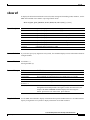
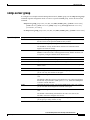
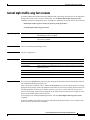
show issu sessions
show issu sessions
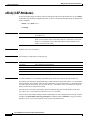
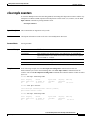
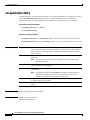
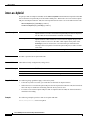
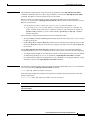
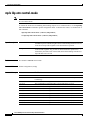
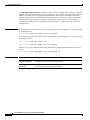
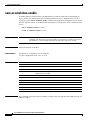
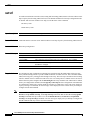
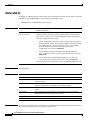
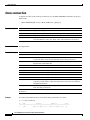
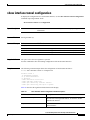
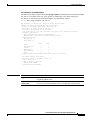
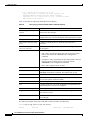
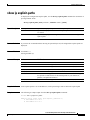
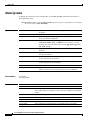
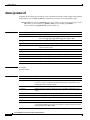
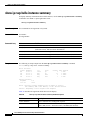
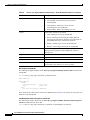
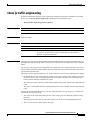
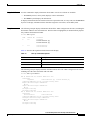
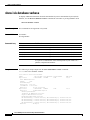
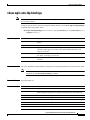
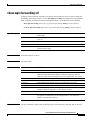
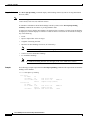
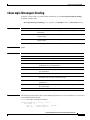
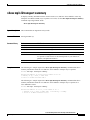
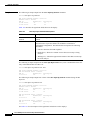
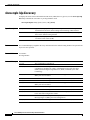
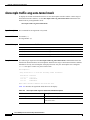
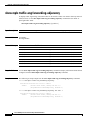
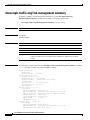
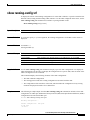
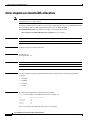
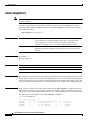
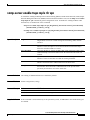
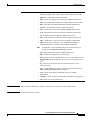
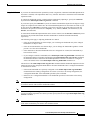
To display detailed information about a particular In Service Software Upgrade (ISSU)
client—including whether the client status for the impending software upgrade is compatible—use the
show issu sessions command in user EXEC or privileged EXEC mode.
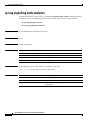
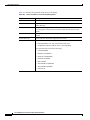
show issu sessions client-id
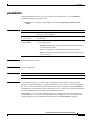
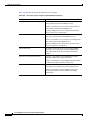
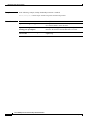
Syntax Description
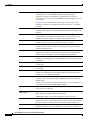
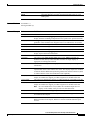
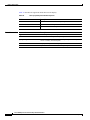
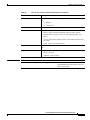
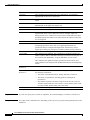
client-id
Command Modes
User EXEC
Privileged EXEC
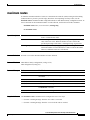
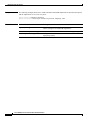
Command History
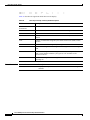
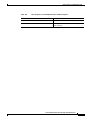
Release
Modification
12.2(28)SB
This command was introduced.
12.2(33)SRB1
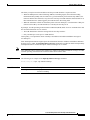
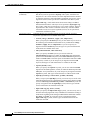
ISSU is supported on the Cisco 7600 series routers in Cisco IOS
Release 12.2(33)SRB.
The identification number used by ISSU for the client.
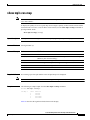
Usage Guidelines
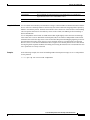
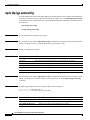
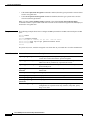
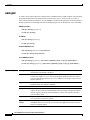
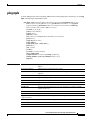
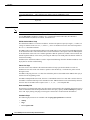
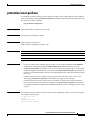
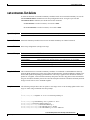
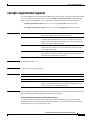
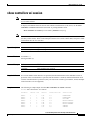
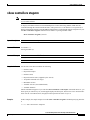
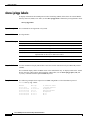
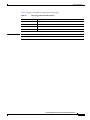
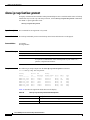
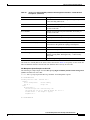
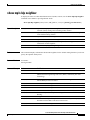
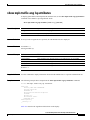
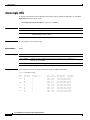
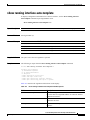
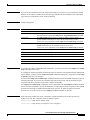
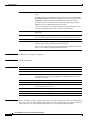
If you are not sure of the Client_ID number to enter into this command, use the show issu clients
command to display the current list of clients with their names and ID numbers.
Examples
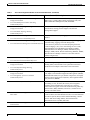
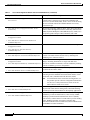
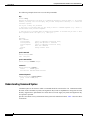
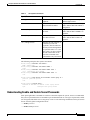
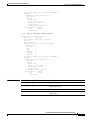
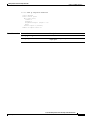
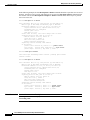
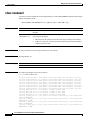
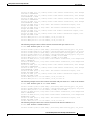
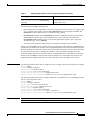
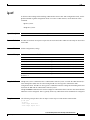
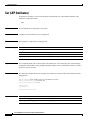
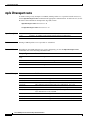
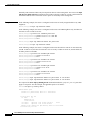
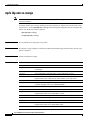
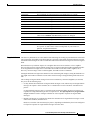
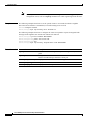
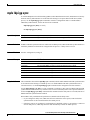
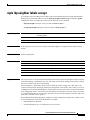
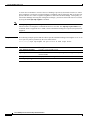
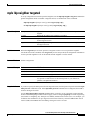
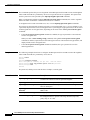
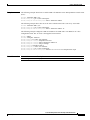
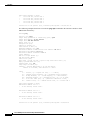
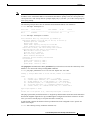
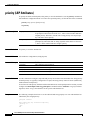
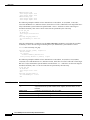
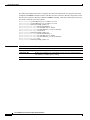
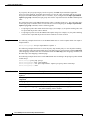
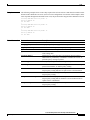
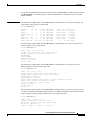
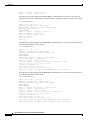
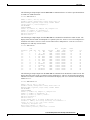
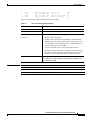
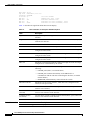
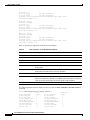
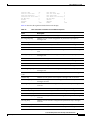
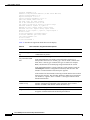
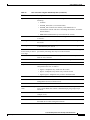
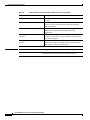
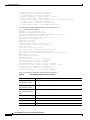
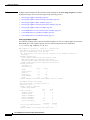
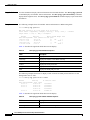
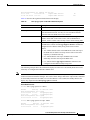
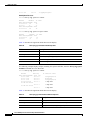
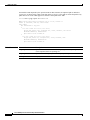
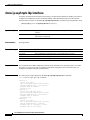
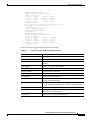
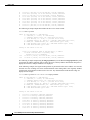
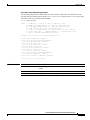
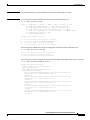
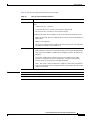
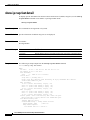
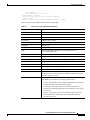
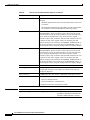
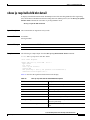
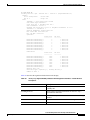
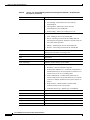
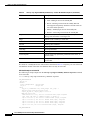
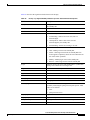
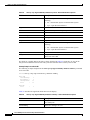
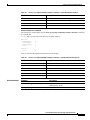
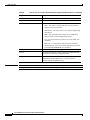
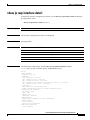
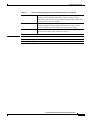
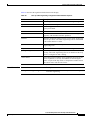
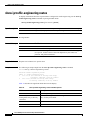
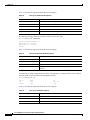
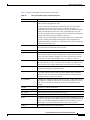
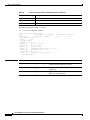
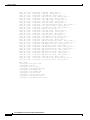
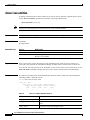
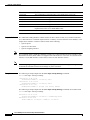
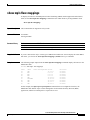
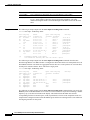
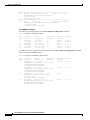
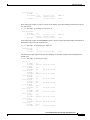
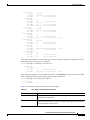
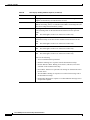
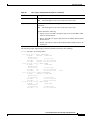
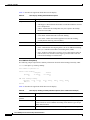
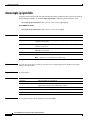
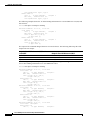
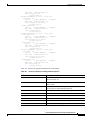
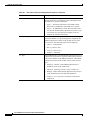
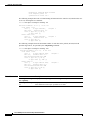
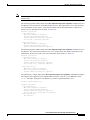
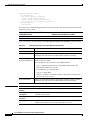
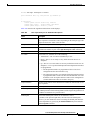
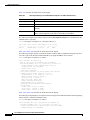
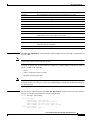
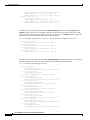
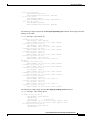
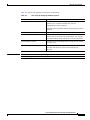
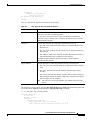
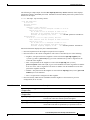
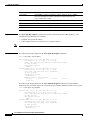
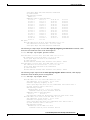
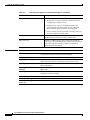
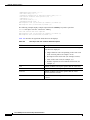
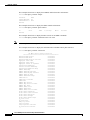
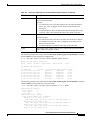
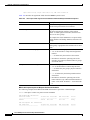
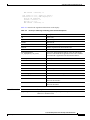
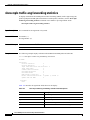
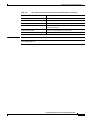
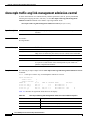
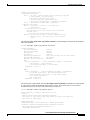
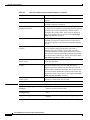
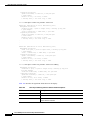
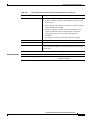
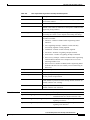
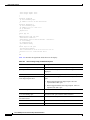
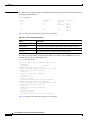
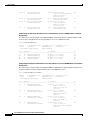
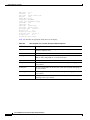
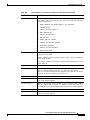
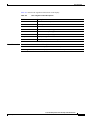
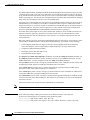
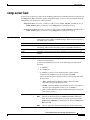
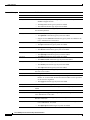
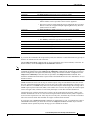
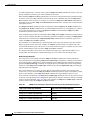
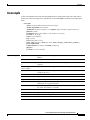
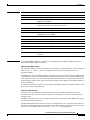
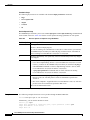
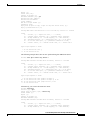
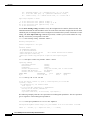
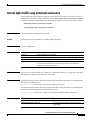
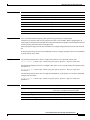
The following example shows detailed information about the LDP Client:
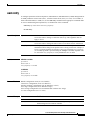
Router# show issu sessions 2011
Client_ID = 2011,
Entity_ID = 1 :
*** Session_ID = 46,
Peer
Peer
UniqueID Sid
4
34
Session_Name = LDP Session :
Negotiate
Role
PRIMARY
Negotiated
Cap
Result
GroupID
COMPATIBLE
1
(no policy)
Msg
GroupID
1
Session
Signature
0
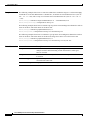
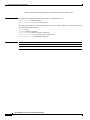
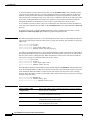
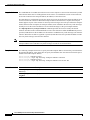
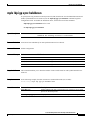
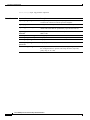
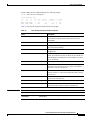
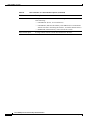
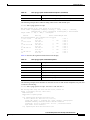
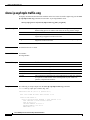
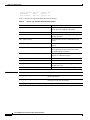
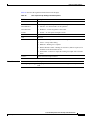
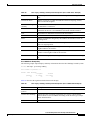
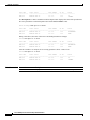
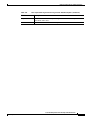
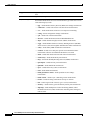
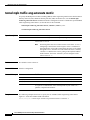
Negotiation Session Info for This Message Session:
Nego_Session_ID = 46
Nego_Session_Name = LDP Session
Transport_Mtu = 3948
Cisco IOS Multiprotocol Label Switching Command Reference
MP-574
January 2010