1
VDs)
CD-DV650W
CD-DV850W
ENGLISH
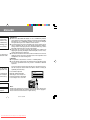
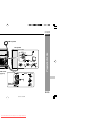
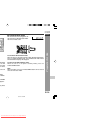
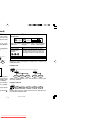
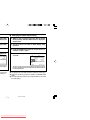
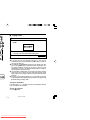
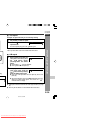
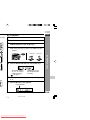
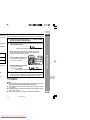
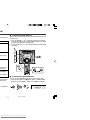
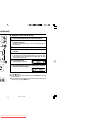
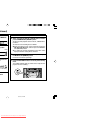
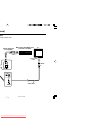
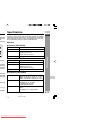
To watch DVD video images on the TV:
1 Turn on the TV.
2 Set the TV to “AV”, “VIDEO”, etc.
3 Turn on the unit and start play.
See page 31 for playing disc.
Note:
There is no audio signal supplied to the TV.
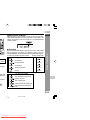
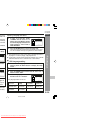
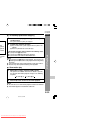
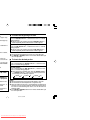
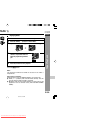
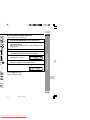
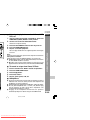
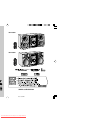
H Loading a DVD (DVDs)
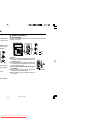
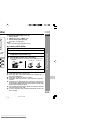
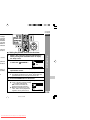
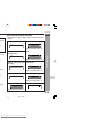
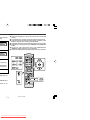
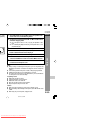
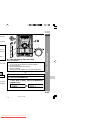
Press the ON/STAND-BY button to turn the power on.
4
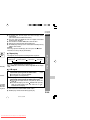
Place the DVD on the disc tray 1, label side up.
Press the DVD/CD button.
Press the s 1 button and within 5 seconds, press the OPEN/
CLOSE button to open the disc tray 1.
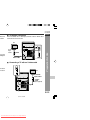
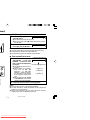
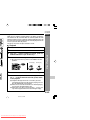
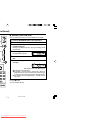
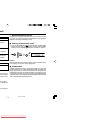
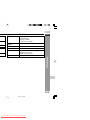
I Be sure to place 8 cm (3") DVD(s) in the middle of the disc
positions.
DVD
MINI
12 cm (5")
8 cm (3")
SYSTEM
650W
CD-DV
5
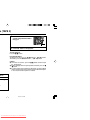
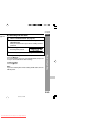
Press the OPEN/CLOSE button to close the disc tray.
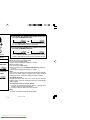
DVD Explanation
eo cable
pplied)
1
2
3
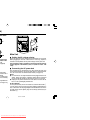
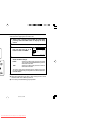
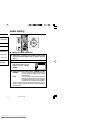
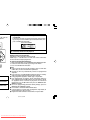
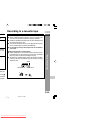
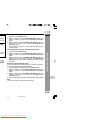
Caution:
I Do not place two discs in one disc tray.
I Do not play discs with special shapes (heart, octagon, etc.). It
may cause malfunctions.
I Do not push the disc tray whilst it is moving.
I If the power fails whilst the tray is open, wait until the power is
restored.
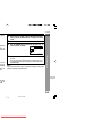
I If the disc tray is stopped with force, “ER-CD20” will appear on
the display for 3 seconds and the unit will not function. If this occurs,
press the ON/STAND-BY button to enter the power stand-by mode
and then turn the power on again.
I If TV or radio interference occurs during CD operation, move the
unit away from the TV or radio.
I If a disc is damaged, dirty or loaded upside down, the disc will
skip or not play.
E-20
3/21/07, 3:01 PM
Downloaded From Disc-Player.com Sharp Manuals