1
Integrated Payment Appendix
One Day Example of Credit Authorization
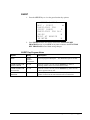
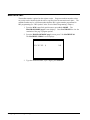
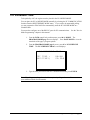
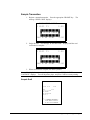
Open Batch
NOTE: To present things in a logical order, OPEN BATCH is shown at the beginning of the
day, but in practical day-to-day operation it is recommended to open a new batch right after
closing today’s batch, so it is ready to go for the next day.
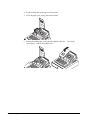
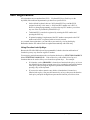
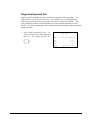
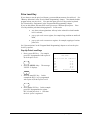
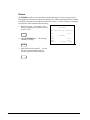
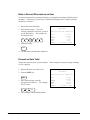
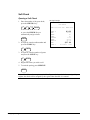
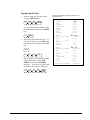
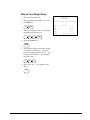
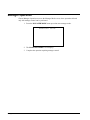
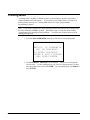
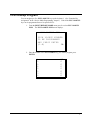
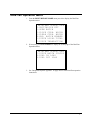
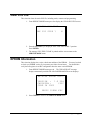
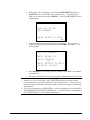
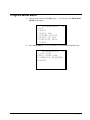
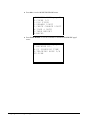
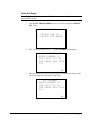
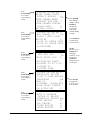
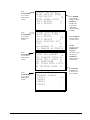
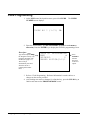
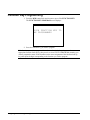
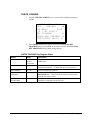
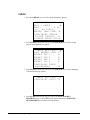
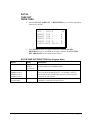
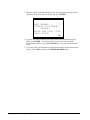
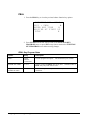
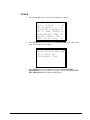
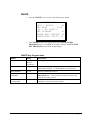
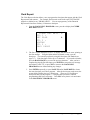
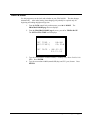
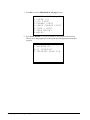
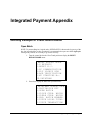
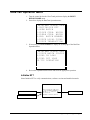
1. Turn the control lock to the Clear Totals position to display the RESET
REPORT MODE menu:
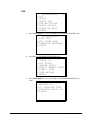
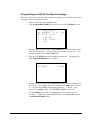
RESET REPORT MODE
0.Z REPORTS
1.RESET E.J.
2.PC COMMUNICATION
3.PLU LOOKUP PGM
4.AGE VERIFICATION
5.KP STARTING No.
00.DATATRAN
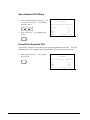
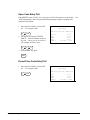
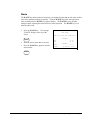
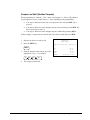
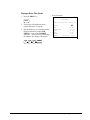
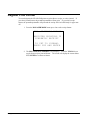
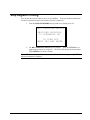
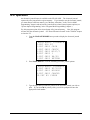
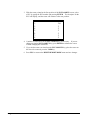
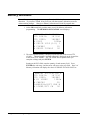
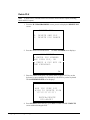
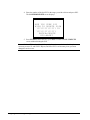
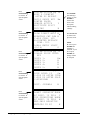
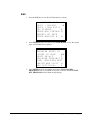
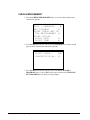
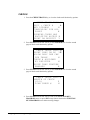
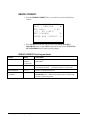
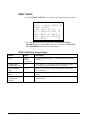
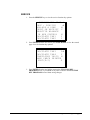
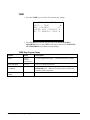
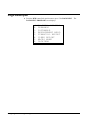
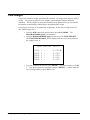
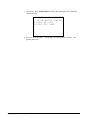
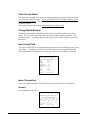
2. Press 00 to display the DataTran Operation menu:
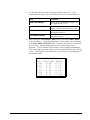
DATATRAN OPERATION
0.INITIALIZE EFT
1.OPEN BATCH
2.CLOSE CURR. BATCH
3.CLEAR CURR. BATCH
4.CHG. BATCH NUMBER
5.ISSUE LOCAL TOTAL
6.ISSUE TRANSACTION
ER-650/650R
Integrated Payment Appendix • 249