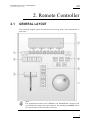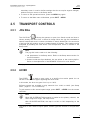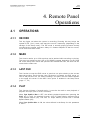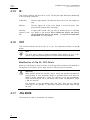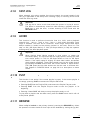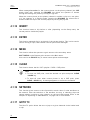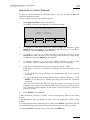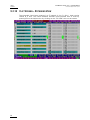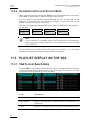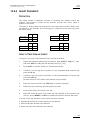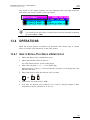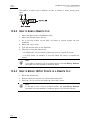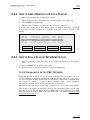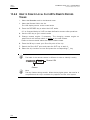
1
Issue
10.03.C
EVS Multicam Version 10.01 – Operating Manual
EVS Broadcast Equipment SA – July 2010
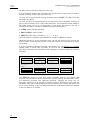
1
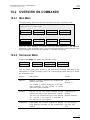
keyword89012
2
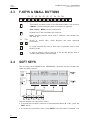
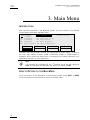
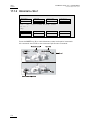
F1:action_1
F2:action_2
F3:action_3
F4:action_4
F5:action_5
2 keyword89012
F6:action_6
F7:action_7
F8:action_8
F9:Prev.page
F0:Next page
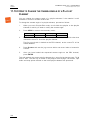
3
keyword89012
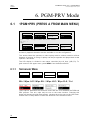
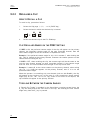
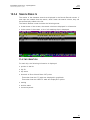
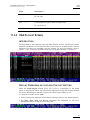
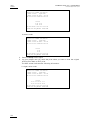
p.01
Reset
Archive
FromDate
ToDate
Return
***
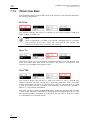
Srch Loc
Srch Net
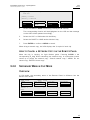
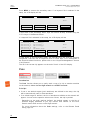
Keywords
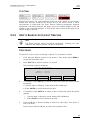
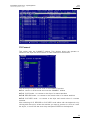
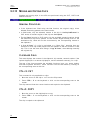
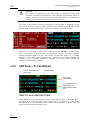
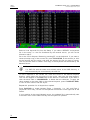
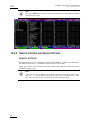
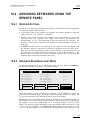
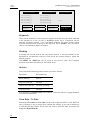
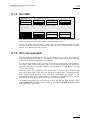
They can be selected for use as search criteria the same way they were selected
to be assigned to a clip, in LIST or NUMER IC mode. Up to 3 keywords can be
selected as search criteria. If all 3 keywords locations are used, some of them
must be cleared before selecting a new keyword. Press CLEAR + F1 / F2 / F3 to
clear to corresponding keyword location.
Ranking
A ranking can also be used as the only search criteria, or can be combined to the
keywords as an additional criterion. Press the B key several times to select the
desired ranking.
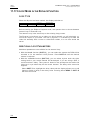
The RESET key (SHIFT+A) can be used at any time to clear all 3 keyword
locations and reset the ranking to the lowest level.
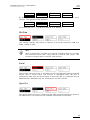
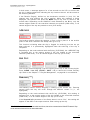
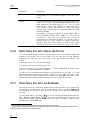
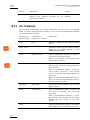
Archive
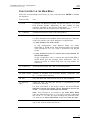
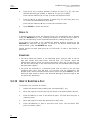
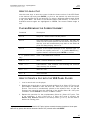
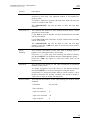
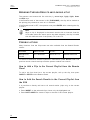
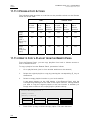
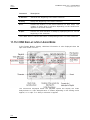
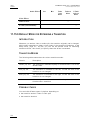
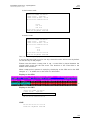
This field allows selecting archive status for search criteria.
Parameter
On the Remote
None (default)
Archive
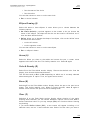
Clips not archived
>Archive
Clips to be archived
>Archive (blinking)
Clips archived
>Archive
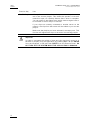
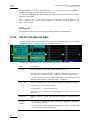
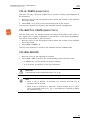
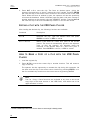
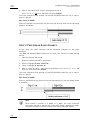
It is possible to include trains in the search. The B key allows to toggle between
C LIPS/CLIPS+REC/R EC.
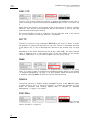
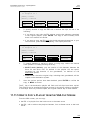
From Date / To Date
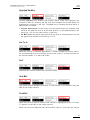
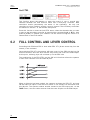
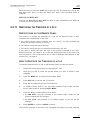
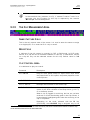
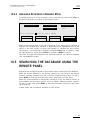
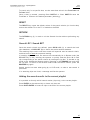
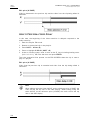
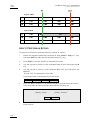
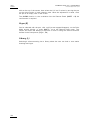
Selecting a From Date and To Date can be done using the SHIFT+C and SHIFT+D
keys. Pressing on any of those keys changes the display on the key to dd/mm/yy
to indicate the date format. The F keys are used to enter the date, the Clear key
being the <BACKSPACE>.
86