1
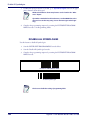
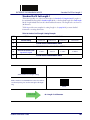
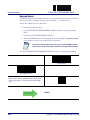
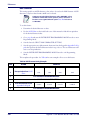
ENTER/EXIT PROGRAMMING MODE
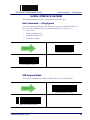
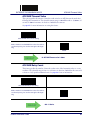
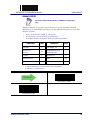
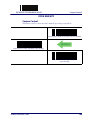
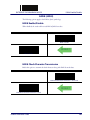
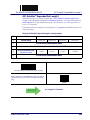
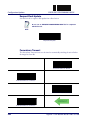
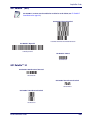
Good Transmission Beep
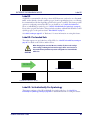
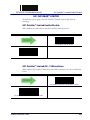
WIRELESS BEEPER FEATURES
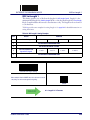
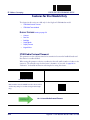
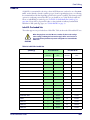
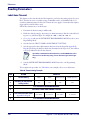
Several options are available to configure beeper behavior for RF operation.
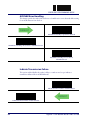
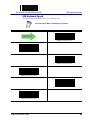
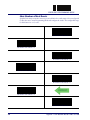
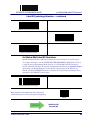
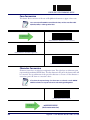
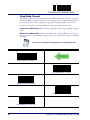
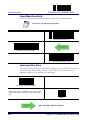
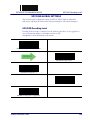
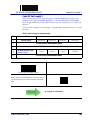
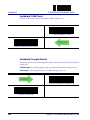
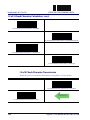
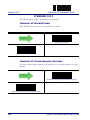
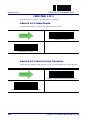
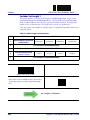
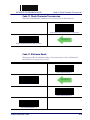
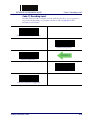
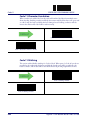
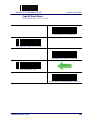
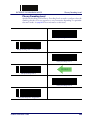
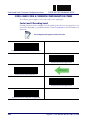
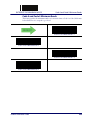
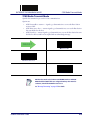
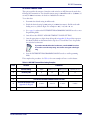
Good Transmission Beep
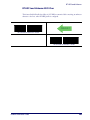
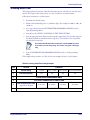
Enables/disables the Good Transmission Beep indication. When enabled, a beep occurs when a
Label is correctly transmitted to the base.
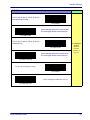
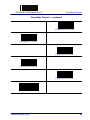
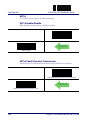
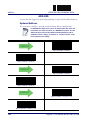
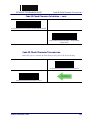
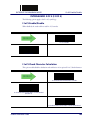
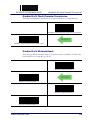
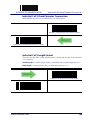
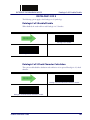
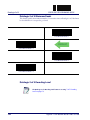
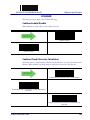
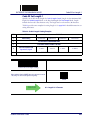
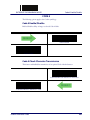
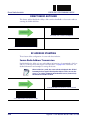
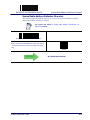
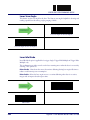
Good Transmission Beep = Disable
DEFAULT
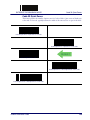
Good Transmission Beep = Enable
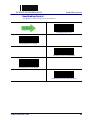
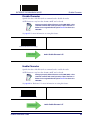
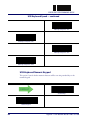
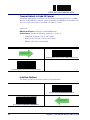
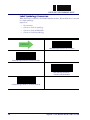
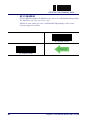
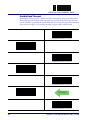
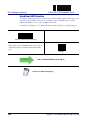
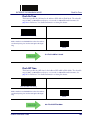
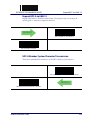
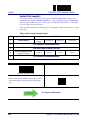
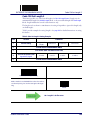
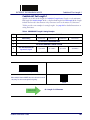
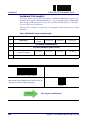
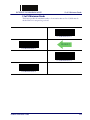
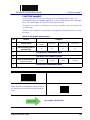
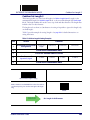
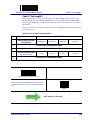
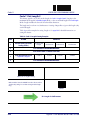
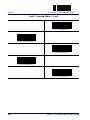
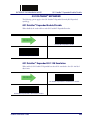
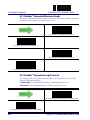
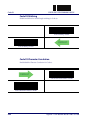
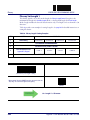
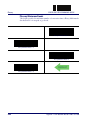
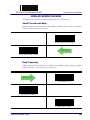
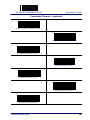
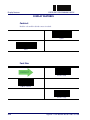
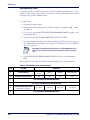
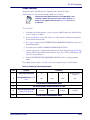
Beep Frequency
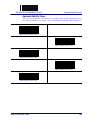
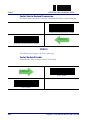
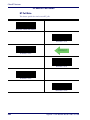
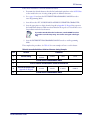
Adjusts radio-specific beep indications to sound at a low, medium or high frequency, selectable
from the list below. (Controls the beeper’s pitch/tone.)
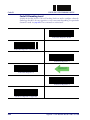
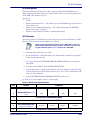
DEFAULT
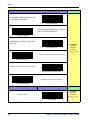
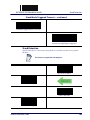
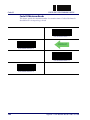
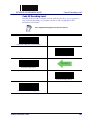
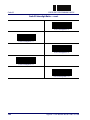
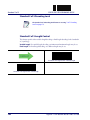
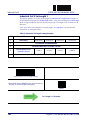
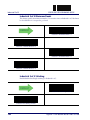
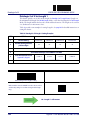
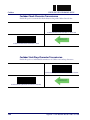
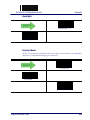
Beep Frequency = Low
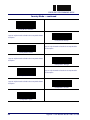
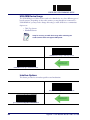
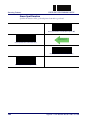
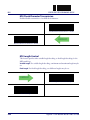
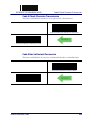
Beep Frequency = Medium
Beep Frequency = High
Product Reference Guide
259