1
Plessey
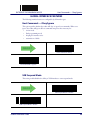
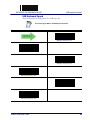
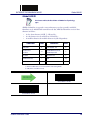
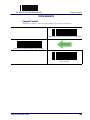
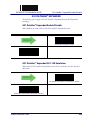
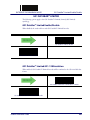
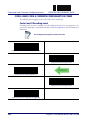
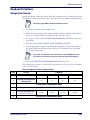
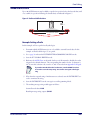
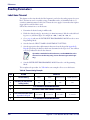
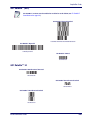
ENTER/EXIT PROGRAMMING MODE
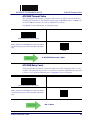
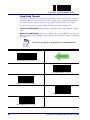
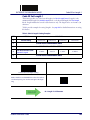
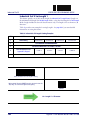
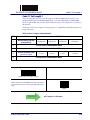
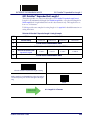
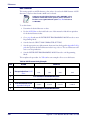
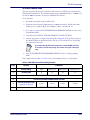
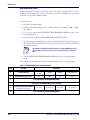
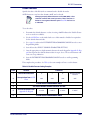
Plessey Set Length 1
This feature specifies one of the barcode lengths for Plessey Length Control. Length 1 is the
minimum label length if in Variable Length Mode, or the first fixed length if in Fixed Length
Mode. Length includes the barcode’s data characters only. The length can be set from 01 to 50
characters.
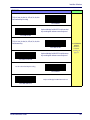
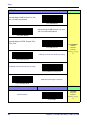
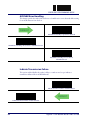
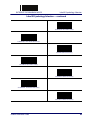
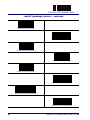
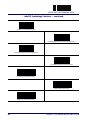
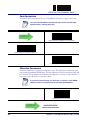
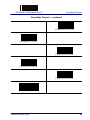
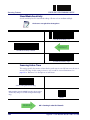
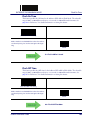
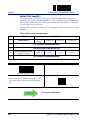
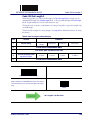
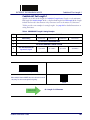
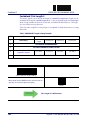
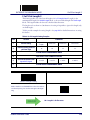
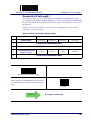
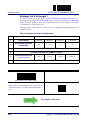
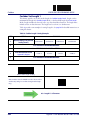
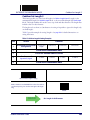
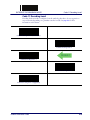
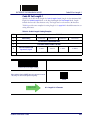
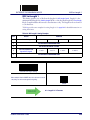
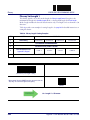
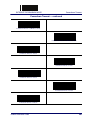
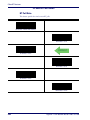
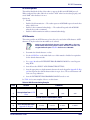
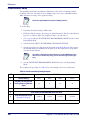
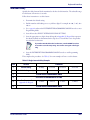
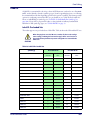
Table 26 provides some examples for setting Length 1. See page 302 for detailed instructions on
setting this feature.
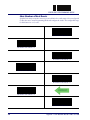
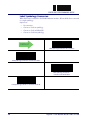
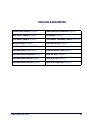
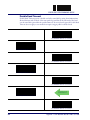
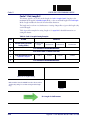
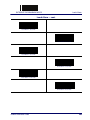
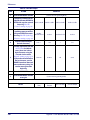
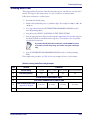
Table 26. Plessey Length 1 Setting Examples
STEP
ACTION
1
Desired Setting
EXAMPLES
01 Characters
07 Characters
15 Characters
2
Scan ENTER/EXIT PROGRAMMING MODE
3
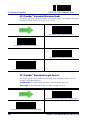
Scan SELECT Plessey LENGTH 1 SETTING
4
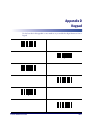
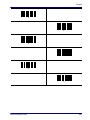
Scan Two Characters From
Appendix D, Keypad
5
‘0’ and ‘1’
‘0’ and ‘7’
‘1’ and ‘5’
50 Characters
‘5’ AND ‘0’
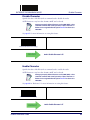
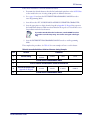
Scan ENTER/EXIT PROGRAMMING MODE
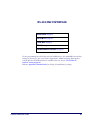
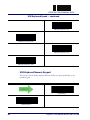
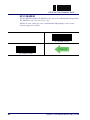
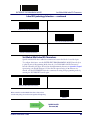
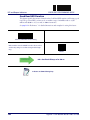
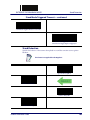
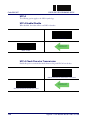
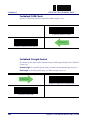
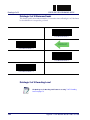
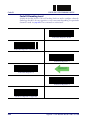
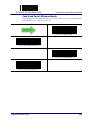
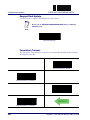
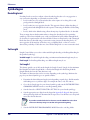
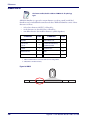
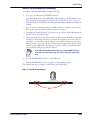
Select Plessey Set Length 1 Setting
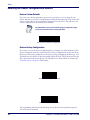
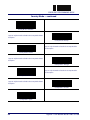
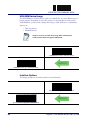
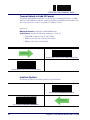
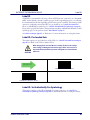
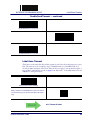
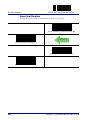
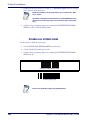
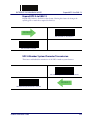
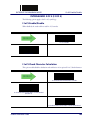
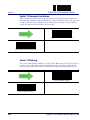
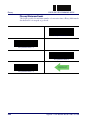
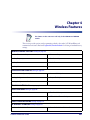
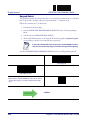
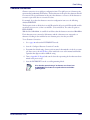
Make a mistake? Scan the CANCEL barcode to abort and not save the
entry string. You can then start again at the beginning.
CANCEL
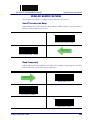
DEFAULT
246
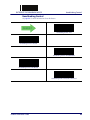
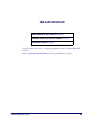
01 = Length 1 is 1 Character
Gryphon™ I GD4100/GM4100/GBT4100/L GD4300