1
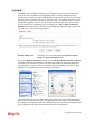
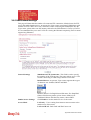
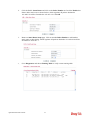
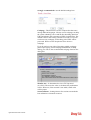
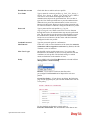
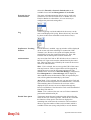
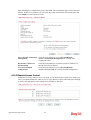
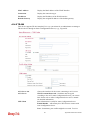
profiles will be numbered with 3, 4, 5 and so on.
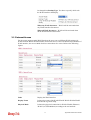
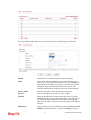
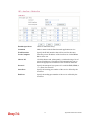
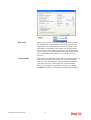
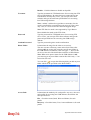
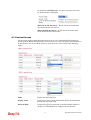
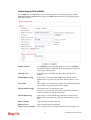
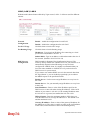
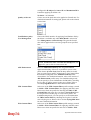
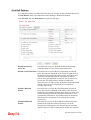
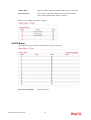
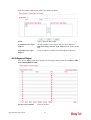
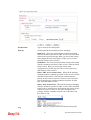
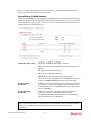
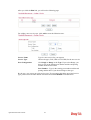
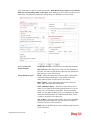
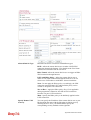
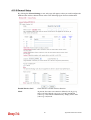
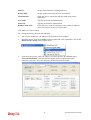
Selected Keyword
Objects
Click
box.
button to add the selected user objects in this
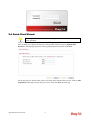
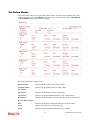
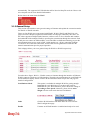
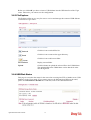
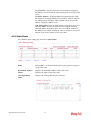
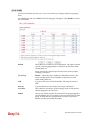
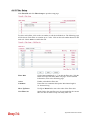
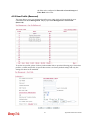
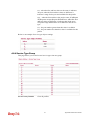
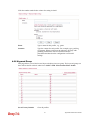
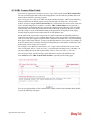
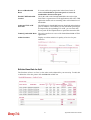
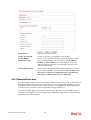
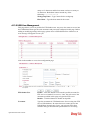
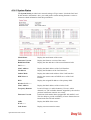
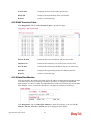
3.5.4 User Online Status
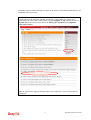
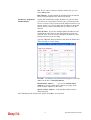
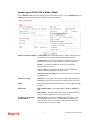
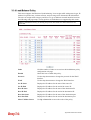
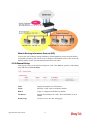
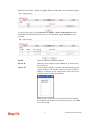
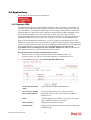
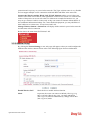
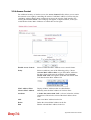
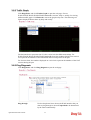
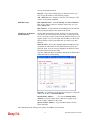
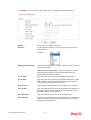
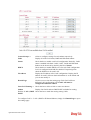
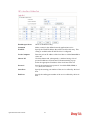
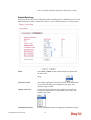
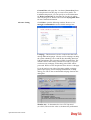
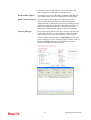
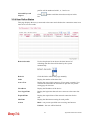
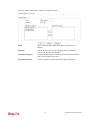
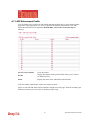
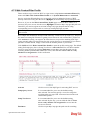
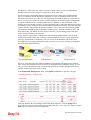
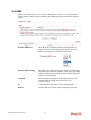
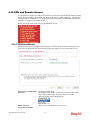
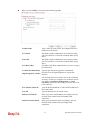
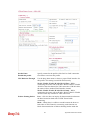
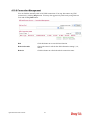
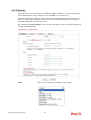
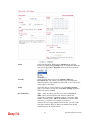
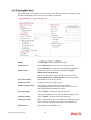
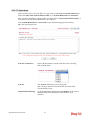
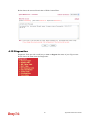
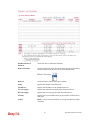
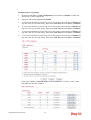
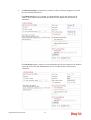
This page displays the user(s) connected to the router and refreshes the connection status in an
interval of several seconds.
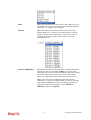
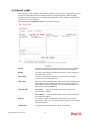
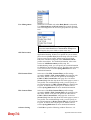
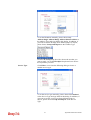
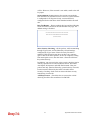
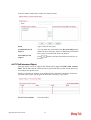
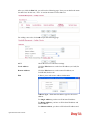
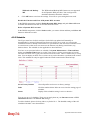
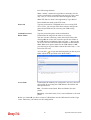
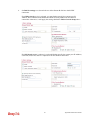
Refresh Seconds
Use the drop down list to choose the time interval of
refreshing data flow that will be done by the system
automatically.
Refresh
Click this link to refresh this page manually.
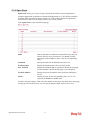
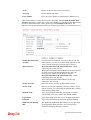
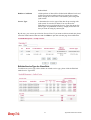
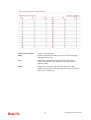
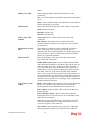
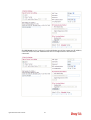
Index
Display the number of the data flow.
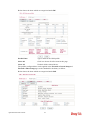
Active User
Display the users which connect to Vigor router currently. You
can click the link under the username to open the user profile
setting page for that user.
IP Address
Display the IP address of the device.
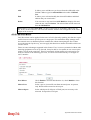
Last Login Time
Display the login time that such user connects to the router last
time.
Expired Time
Display the expired time of the network connection for the
user.
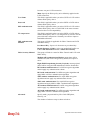
Idle Time
Display the idle timeout setting for such profile.
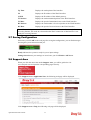
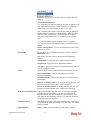
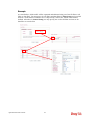
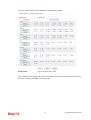
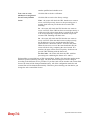
Action
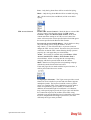
Block - can prevent specified user accessing into Internet.
Unblock – the user will be blocked.
149
Vigor3200 Series User’s Guide