1
z
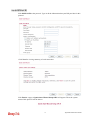
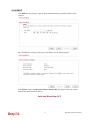
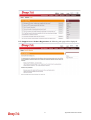
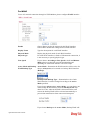
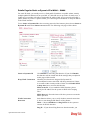
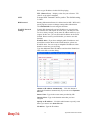
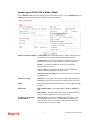
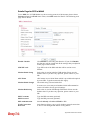
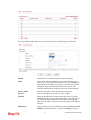
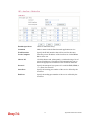
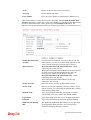
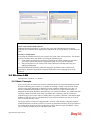
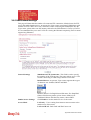
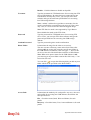
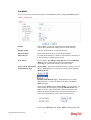
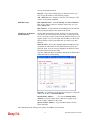
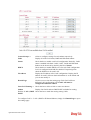
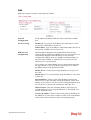
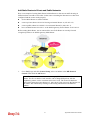
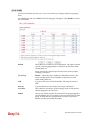
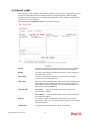
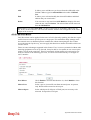
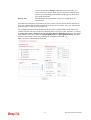
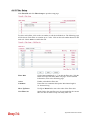
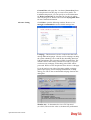
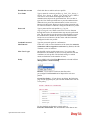
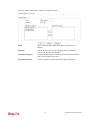
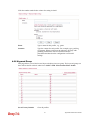
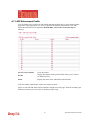
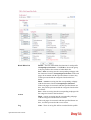
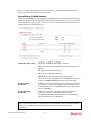
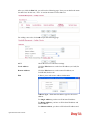
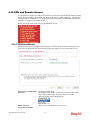
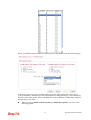
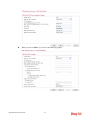
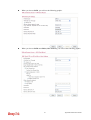
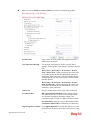
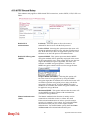
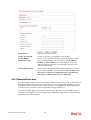
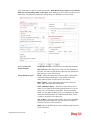
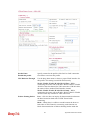
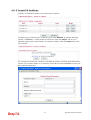
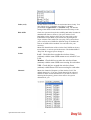
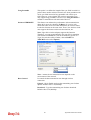
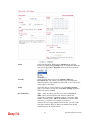
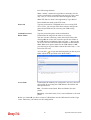
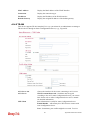
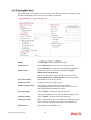
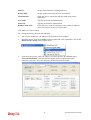
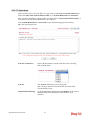
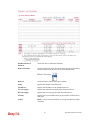
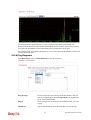
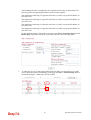
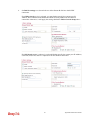
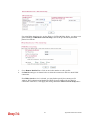
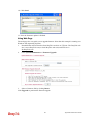
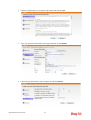
When you check IPSec, you will see the following graphic:
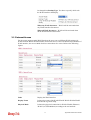
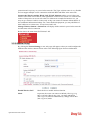
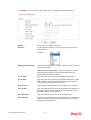
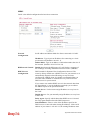
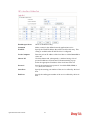
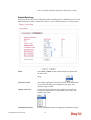
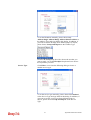
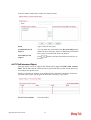
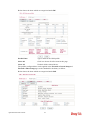
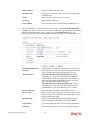
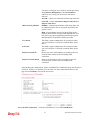
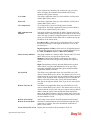
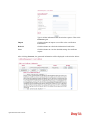
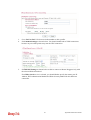
Profile Name
Type a name for such profile. The length of the file is
limited to 10 characters.
User Name
This field is used to authenticate for connection when
you select PPTP or L2TP with or without IPSec policy
above.
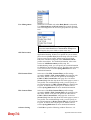
Password
This field is used to authenticate for connection when
you select PPTP or L2TP with or without IPSec policy
above.
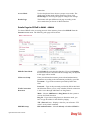
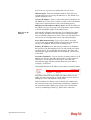
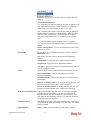
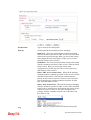
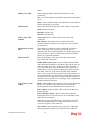
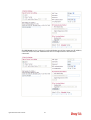
Pre-Shared Key
For IPSec/L2TP IPSec authentication, you have to type a
pre-shared key.
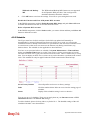
Confirm Pre-Shared Key Type the pre-shared key again for confirmation.
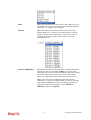
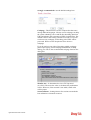
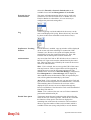
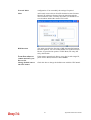
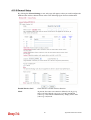
Digital Signature (X.509) Check the box of Digital Signature to invoke this
function.
Use the drop down list to choose one of the certificates
for using. You have to configure one certificate at least
previously in Certificate Management >> Local
Certificate. Otherwise, the setting you choose here will
not be effective.
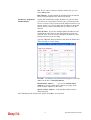
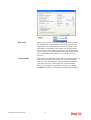
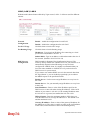
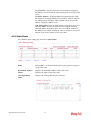
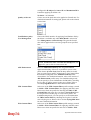
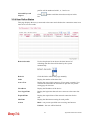
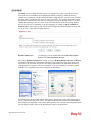
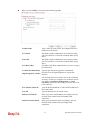
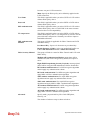
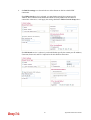
Peer IP/VPN Client IP
Type the WAN IP address or VPN client IP address for
the remote client.
Peer ID
Type the ID name for the remote client.
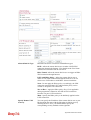
Remote Network IP
Please type one LAN IP address (according to the real
location of the remote host) for building VPN
connection.
Remote Network Mask
Please type the network mask (according to the real
location of the remote host) for building VPN
connection.
199
Vigor3200 Series User’s Guide