1
Colour adjustment
41
150MT10P LMT
Go to cover page
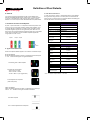
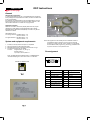
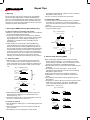
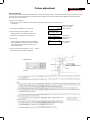
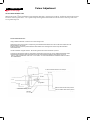
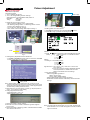
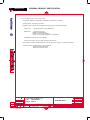
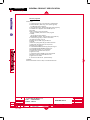
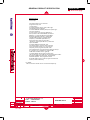
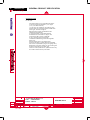
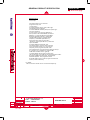
SETTING MEASUREMENT DISTANCE
The measurement distance (the distance from the front of the measuring probe's lens barrel to the display surface of the LCD ) should be
set using a ruler according to the procedure below.
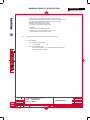
1. Mount the measuring probe on a tripod or other stand and mount the LCD on a suitable stand.
2. While using a ruler to measure the distance from the front of the measuring probe's lens barrel to the LCD's display surface, move
the measuring probe or the LCD until the distance is the correct distance for the measurement area in use.
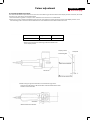
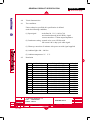
I
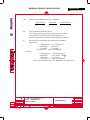
measurement distance*
o 25mm
135mm+/-5mm
I
measurement area
o 50mm
210mm+/-10mm
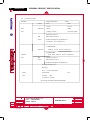
* Distance from the tip of the measuring probe's lens barrel to the
LCD's display surface.
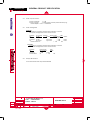
Display surface
Protective glass
Measurement distance
Lens barrel
(Measurement distance-D)
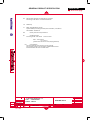
3. While looking through the viewfinder, move the measuring probe or
LCD until the LCD section to be measured is inside the measurement-area
indication in the viewfinder.
Viewfinder
Measurement-area indication
LCD panel